Save Your Photos

  • Home
  • Blog
  • Disaster Help
    • Disaster Resources
    • Hurricane Harvey Photo Recovery
    • Hurricane Irma Photo Recovery
  • Who We Are
    • Save Your Photos Group
    • The Photo Organizers Blog
    • Association of Personal Photo Organizers
  • Sponsors
    • How To Become A Corporate Sponsor

Feb 21 2018

Save Your Photos: Your Maintenance Plan

Save Your Photos: Your Maintenance Plan

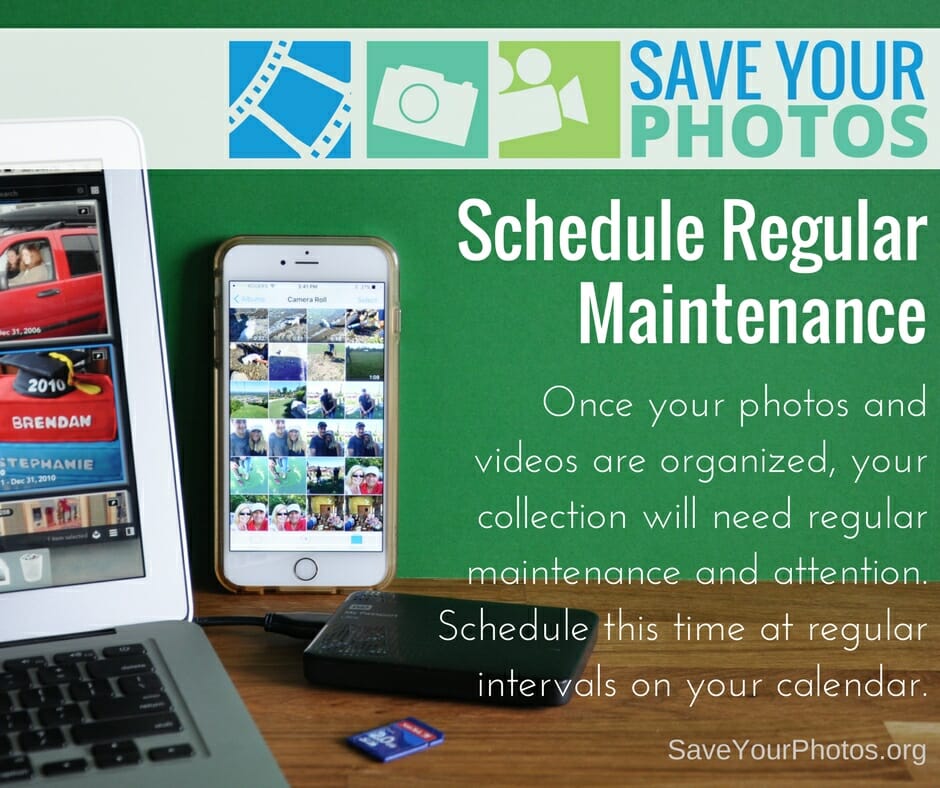
Once your photos and videos are organized, your collection will need a regular maintenance plan. Schedule this time at regular intervals on your calendar.
Save Your Photos: Your Maintenance Plan | SaveYourPhotos.org

We’ve come to the end of our blog series on saving your photos. We are leaving you with this final tip as you continue on the journey to organize and save your photos.


Schedule a Regular Maintenance Plan

You will continue to take photos; life will get busy, and chances are you’ll forget about the important task of managing your collection if you don’t take steps to prevent that now.


Create a Routine

Routines help form healthy habits. Choose a time each week or after each event, to gather photos from your memory cards and smartphones, into your ‘to be organized’ folder in your photo hub. Don’t wait until your camera roll or memory card is full!

 

Save Your Photos: Your Maintenance Plan | SaveYourPhotos.org

Schedule It

Choose a regular time each month to sort your ‘to be organized’ folder and then move those images into the folder structure in your hub. Flag or rate your favorite photos from that month to have printed or placed into an album. Check to make sure your backup systems are working or perform a manual backup. Add this important task to your calendar so you don’t forget!


Spring ahead, Fall forward

When it’s time to change your clocks, it’s time to run a diagnostic on your backup systems and external hard drives. Most EHDs come with a utility that allows you to run a performance scan.

Happy organizing!

Tell us what you are doing to save your photos.


Sign up today for more great photo organizing tips directly in your email box.

We also invite you to visit our sister blog The Photo Organizers for more tips and in-depth knowledge from some of the top photo organizing industry professionals. To find a photo organizer near you, visit the Association of Personal Photo Organizers.


 

Written by Andi Willis · Categorized: Photo Organization · Tagged: backup, ehd, external hard drive, maintenance

Feb 14 2018

Save Your Photos: Decorate Your Home With Photos and Memories

Save Your Photos: Decorate Your Home With Photos and Memories

Wall galleries, canvas prints, digital displays, frames, and other photo products, are a fast, simple way to enjoy your photos.

Decorate Your Home with Photos & Memories | SaveYourPhotos.org

Are you looking for instant gratification while you work on that family archive or photo album? Decorate your home with the people you love!

While you organize photos, you’ll come across pictures that are too good to keep hidden. Look for frame-worthy images that you can display on walls or turn into photo gifts for others.

Here are a few ideas:

Gallery Wall

Choose a collection of frames that suit your decor and create a feature wall in your home. This is an excellent way to showcase heritage photos, family weddings, a special event or vacation or the growth of your kids.


Canvas Prints

Canvas is lovely for its ‘artlike’ quality and makes a great statement piece. Look for unique fun photos that evoke conversation and storytelling.

Decorate Your Home with Photos & Memories | SaveYourPhotos.org

Digital Displays

An excellent choice for technology-challenged family members. This plug and play way to display image slideshows is perfect for people who want a quick, easy way to showcase their memories.


Photo Products

There are many ways to take your favorite photos and turn them into photo gifts for you or someone special. You can choose from photo blankets, wall calendars, mugs, puzzles, ornaments, smartphone covers, and stationery, to name a few.


Sign up today for more great photo organizing tips directly in your email box.
We also invite you to visit our sister blog The Photo Organizers for more tips and in-depth knowledge from some of the top photo organizing industry professionals. To find a photo organizer near you, visit the Association of Personal Photo Organizers.

Written by Andi Willis · Categorized: Displaying Photos · Tagged: canva prints, decorate with photos, digital frames, wall gallery

Feb 07 2018

Save Your Photos: Create Family Archives

Save Your Photos: Create Family Archives

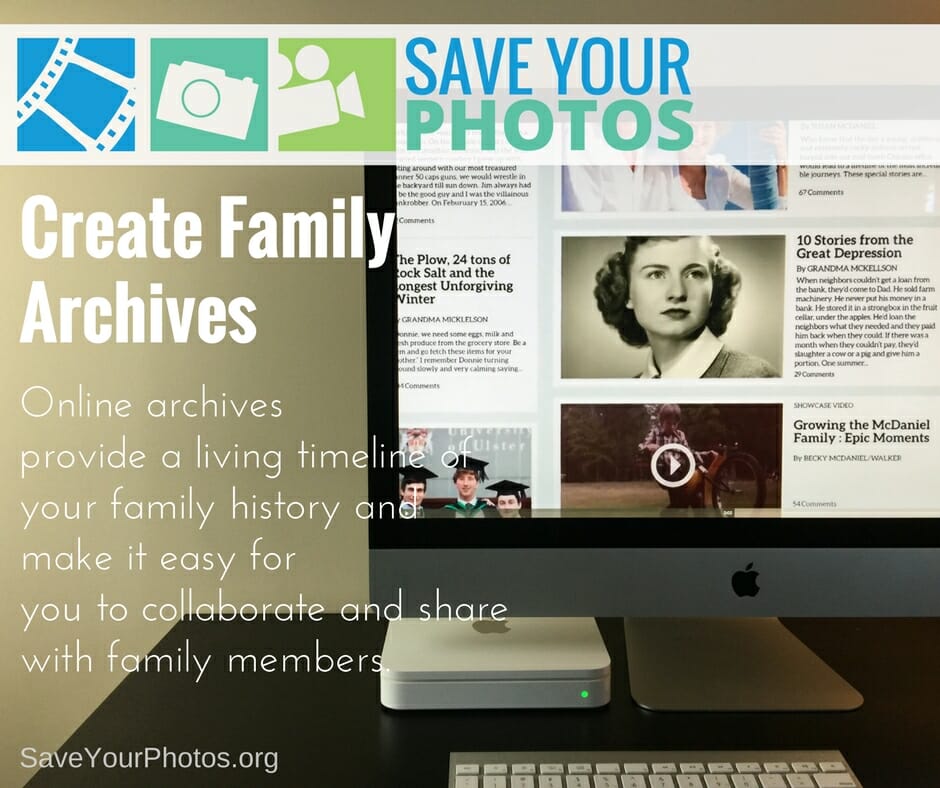
Online family archives provide a living timeline of your family history and make it easy for you to collaborate and share with family members.

Create Family Archives | SaveYourPhotos.org

The way we share photos and tell our story has changed significantly in the last 20 years thanks to technology, the internet, and social media.

We can use social platforms like Facebook or Instagram to share photos and stories. We can dig into the past through sites like Ancestry.com and we can store, organize and share large collections of images through sites like Flickr.

This type of social sharing has its downside too. Privacy, security and the preservation of your online photos is a growing concern as we hurl towards a digital future. So what’s the answer?

Create a Private Family Archive

Fortunately, some solutions offer a private, secure place to archive your images, videos, audios, and documents. Online family archives provide a living timeline of your family story and make it easy for you to collaborate and share with family members. When family members contribute photos and details, you begin to build a family archive that is rich in historical information.


Tips for Successful Family Archives

Be selective

A family archive is a carefully constructed online album, not a dumping ground for all your photos. Choose pictures and videos that best tell the story and leave the rest in your digital photo hub.


Be descriptive

Imagine future generations viewing your archive. Is there enough information in the photo descriptions? Have you mentioned full names (and maiden names) to help piece together your family tree? Have you told important family stories?


Involve others

You can’t remember everything! Engage as many family members as you can to help add family history to your narrative.


Create Family Archives | SaveYourPhotos.org

Make good choices

The internet is filled with free and paid for services so do your homework. An online archive can become a family heirloom that succeeds you so choose wisely. Here are a few things to look for:

  • Is the archive easy to setup and manage? Is it user-friendly and does the provider offer tutorials or training?
  • Do you maintain ownership over your image? Read the fine print!
  • Do you have complete control over your image privacy settings and are they easy to understand?
  • Does the provider protect your privacy regarding your personal info? FREE services mine your data for advertising purposes and share your information with third party services.
  • Does the provider keep your image metadata intact and in its original size? Some services compress your image and strip your metadata upon upload.
  • Does your provider have any space limitations? Some services have a cap on how much space you have.
  • Does your provider make it easy for you to retrieve or download your photos if you choose to discontinue the service? Some services charge you a fee or have download restrictions.
  • Does the service offer keywording, ratings and a folder or album organizing feature and how is this information captured in the metadata? Some providers have very limited organizing options and don’t embed metadata in the image file upon download.
  • Does your online provider have backup redundancies in place and high-level security?
  • Does your provider offer a succession plan for your photos? If you pass away, will your family be able to access your account?

Telling your story is about so much more than posting photos and seeing how many likes you get. It’s more than a folder structure, neatly organized. Your complete family story shares your values, your beliefs, your contributions in the world around you and your hopes and dreams. It connects the past to the present and inspires future generations.


Sign up today for more great photo organizing tips directly in your email box.

We also invite you to visit our sister blog The Photo Organizers for more tips and in-depth knowledge from some of the top photo organizing industry professionals. To find a photo organizer near you, visit the Association of Personal Photo Organizers.



Written by Andi Willis · Categorized: Photo Organization · Tagged: family archive, family history, online archive

Jan 31 2018

Save Your Photos: Video Slideshows and Montages

Save Your Photos: Video Slideshows and Montages

When you combine photos, videos, oral narratives and music into a video slideshow or montage, you create a living album filled with emotion and fun.

Save Your Photos: Create Video Slideshows & Montages | SaveYourPhotos.org


Video slideshows or montages are a fun way to bring photos and videos together to create a compelling and emotional story. When you add music or oral narratives or both, the result is a living album filled with movement and sound that triggers your senses.

Slideshows are a great option for family gatherings, special events, and celebrations. And they can be a fun option to enjoy on family movie night. Popcorn, PJ’s and precious family memories, can it get any better than that?

There are online solutions that make it easy for you to create slideshows by uploading photos and video clips. Some online services offer royalty free music and templates that make it simple for you to render a studio quality production in a few clicks. If you prefer a hands-on approach, iMovie (Mac) or MovieMaker (PC) may work for you, or you can invest in software solutions that come with more tools, effects, and support.

Save Your Photos: Create Video Slideshows & Montages | SaveYourPhotos.org

Tips for Video Slideshow Success

  • The shorter, the better! Attention spans aren’t what they used to be, so keep your slideshow to less than 10 minutes or even shorter depending on the event.
  • Use a combination of short videos clips (10-15 seconds long) and a variety of still photos to create movement.
  • Keep the photos moving along at a quick pace. The difference between 10 seconds a photo and 5 seconds, is huge. Stick to 5 seconds per image or less depending on the music.
  • Music can make or break your video! Music should match the tone and theme of your photos. Choose royalty free music especially if you plan to share your completed slideshow online.
  • Add an oral narrative. Record Grandpa narrating the story of his mom and dad and layer this audio with the photos and background music. Please pass the kleenex!
  • Don’t go crazy with transitions. Keep it straightforward and consistent for the best viewing pleasure. The Ken Burns effect is still a classic and dramatic way to view slideshows.
  • Add your completed slideshow to your digital photo hub and back it up.

Pass the popcorn!


Sign up today for more great photo organizing tips directly in your email box.

We also invite you to visit our sister blog The Photo Organizers for more tips and in-depth knowledge from some of the top photo organizing industry professionals. To find a photo organizer near you, visit the Association of Personal Photo Organizers.


Written by Andi Willis · Categorized: Creating Memories, Videos · Tagged: photo montage, slideshow, video

Jan 24 2018

Save Your Photos: Create Photo Albums

Save Your Photos: Create Photo Albums

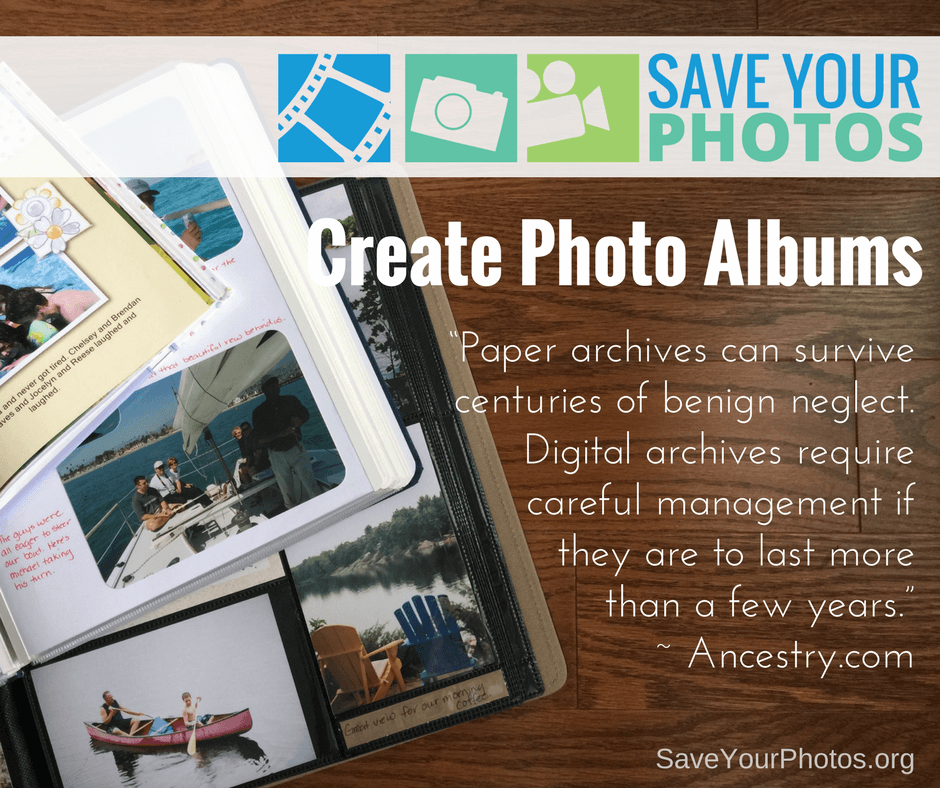
“Paper archives can survive centuries of benign neglect. Digital archives require careful management if they are to last more than a few years.” ~ Ancestry.com

Save Your Photos: Create Photo Albums | SaveYourPhotos.org

We love this quote from Ancestry.com because it speaks to the importance of having some of your priceless memories in print. Your digital images will require careful management and your 3-2-1 backup plan and ongoing maintenance will help ensure the longevity of your images. When you create physical photo albums or photo books, you increase the odds that your family story and precious memories will succeed you!

Printed photo books, scrapbooks, and photo albums don’t rely on technology to enjoy them. You don’t need an internet connection, and you won’t need to migrate them to a new format to view them 50 years from now. When you combine images and words into a documentary-like narrative, you are creating a historical record for future generations with stories that you can celebrate and enjoy today.

Save Your Photos: Create Photo Albums | SaveYourPhotos.org


The market is filled with an abundance of album choices to suit your needs. Scrapbook albums have the added benefit of providing you with a creative outlet. Pocket page albums make it easy to assemble an album quickly if time is an issue for you. Digital photo books make it easy and efficient to use online tools and templates to auto populate a photo book while you focus on the words that tell your story.

Tips for Photo Album Success

  • Quality matters! Choose products that have archive quality or photo safe materials to ensure the longevity of your albums.
  • Select album options that suit your lifestyle, budget and time considerations. Completion is the most important goal. If you don’t enjoy sitting at the computer to create a photo book, it will quickly become a chore. If you are frustrated by the creative process of assembling a scrapbook, it will slow you down. Make healthy choices!
  • Themes rather than chronology will make it easier to curate a story. Favorite topics include Vacations, Sports, Family Traditions or events like Weddings, Anniversaries and Birthdays. Choose the themes that are most common in your family and combine them into an album that spans over time.
  • If you prefer a chronological timeline, choose 10-15 photos per month for an annual Family Yearbook. Or choose 10-20 photos per year for a Celebration of Life.

The greatest reward for your effort will be the joy on the faces of your loved ones enjoying your photo albums!


Sign up today for more great photo organizing tips directly in your email box.
We also invite you to visit our sister blog The Photo Organizers for more tips and in-depth knowledge from some of the top photo organizing industry professionals. To find a photo organizer near you, visit the Association of Personal Photo Organizers.

 

Written by Andi Willis · Categorized: Creating Memories, Photo Storage · Tagged: photo albums, photo books, photographs, scrapbooking

  • 1
  • 2
  • 3
  • …
  • 8
  • Next Page »

© Copyright 2017 Association of Personal Photo Organizers · All Rights Reserved · Privacy Policy