Save Your Photos

  • Home
  • Blog
  • Disaster Help
    • Disaster Resources
    • Hurricane Harvey Photo Recovery
    • Hurricane Irma Photo Recovery
  • Who We Are
    • Save Your Photos Group
    • The Photo Organizers Blog
    • Association of Personal Photo Organizers
  • Sponsors
    • How To Become A Corporate Sponsor

Nov 29 2017

Save Your Photos: The Chemical Sandwich of Magnetic Albums

Save Your Photos: The Chemical Sandwich of Magnetic Albums

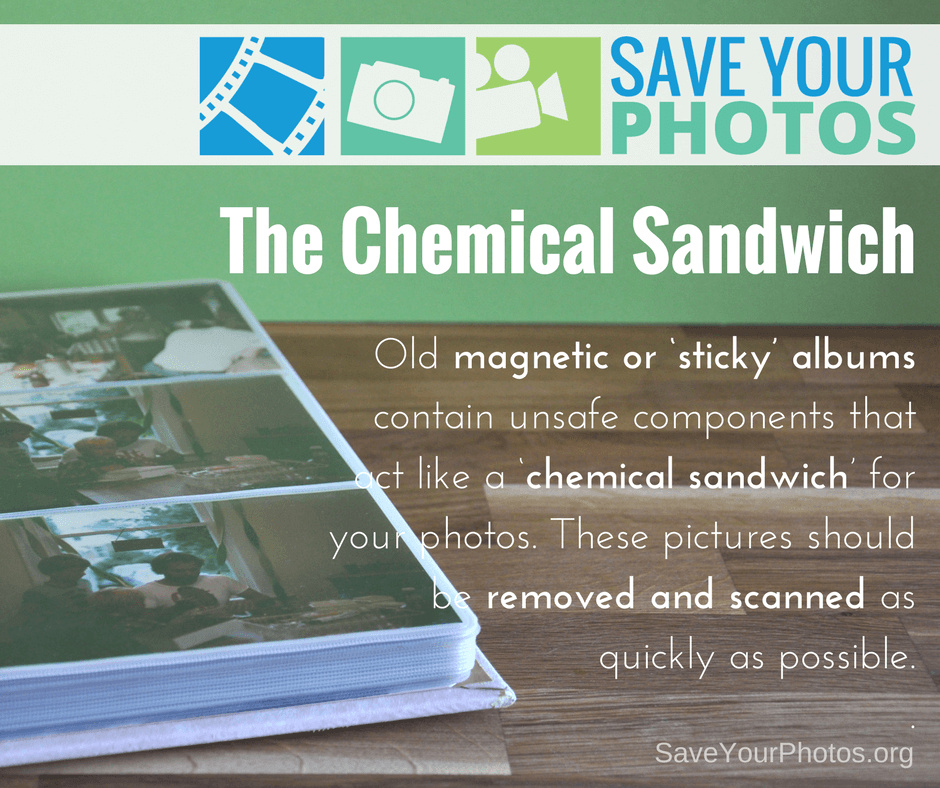
Old magnetic or ‘sticky’ albums contain unsafe components that act like a ‘chemical sandwich’ for your photos. These pictures should be removed and scanned as quickly as possible.
The Chemical Sandwich of Magnetic Albums | SaveYourPhotos.org

The Downside of Magnetic Albums

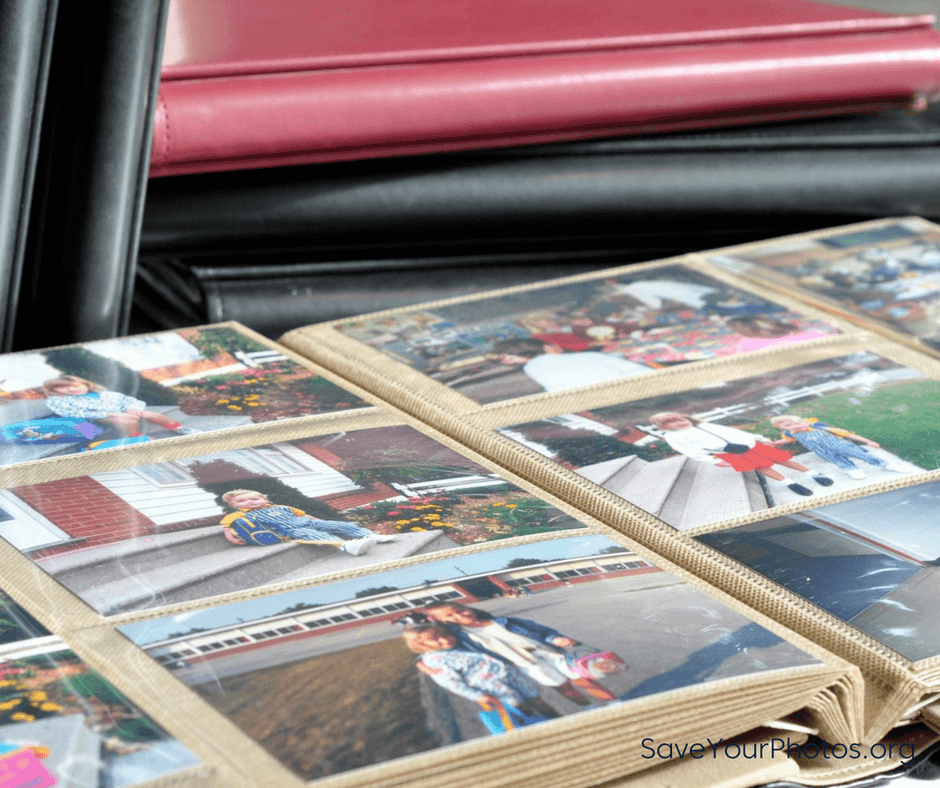
As you organize and sort your photos, you may come across photos in old scrapbooks, pocket page albums and old magnetic albums that were popular about 25 – 30 years ago. Unfortunately, many of these albums may be accelerating the deterioration of your photos and you need to take steps to remove your pictures now.

The biggest offender is the magnetic or sticky album. The glue on the page surface, the acidic cardboard page and the plastic overlay create a ‘chemical sandwich’ that is rapidly destroying your photos.

If you have these albums in your collection, removing the photos is a priority! Some may be easy to remove, and some may be troublesome.
The Chemical Sandwich of Magnetic Albums | SaveYourPhotos.org

How to Remove Troublesome Photos

Here are a few tips as you approach this next step:

  1. Find a photo in the album that is a ‘throw away’ and try to remove it first by gently lifting a corner. If it comes up easily without having to pull or curl the photo, then proceed.
  2. If the picture is stuck, take a thin metal spatula and gently work under the photo, or slide a piece of unwaxed dental floss under the corner and gently saw back and forth to work through the adhesive.
  3. Try heating the back of the photo slightly with a blow dryer then attempt the dental floss again. Or heat the metal spatula and use this to soften the glue as you work behind the photo.
  4. Try using a product like Un-du which is an adhesive remover used by scrapbookers and safe to use on the backs of photos.

If all this fails, then leave your photos in the albums and make digital copies with a flatbed or mobile scanner.


Sign up today for more great photo organizing tips directly in your email box.

We also invite you to visit our sister blog The Photo Organizers for more tips and in-depth knowledge from some of the top photo organizing industry professionals. To find a photo organizer near you, visit the Association of Personal Photo Organizers.


Written by Andi Willis · Categorized: Photo Storage · Tagged: how to remove a stuck photo, magnetic photo album, photo albums

Nov 22 2017

Save Your Photos: The 2 Second Rule & the ABCs

Save Your Photos: The 2 Second Rule & the ABCs

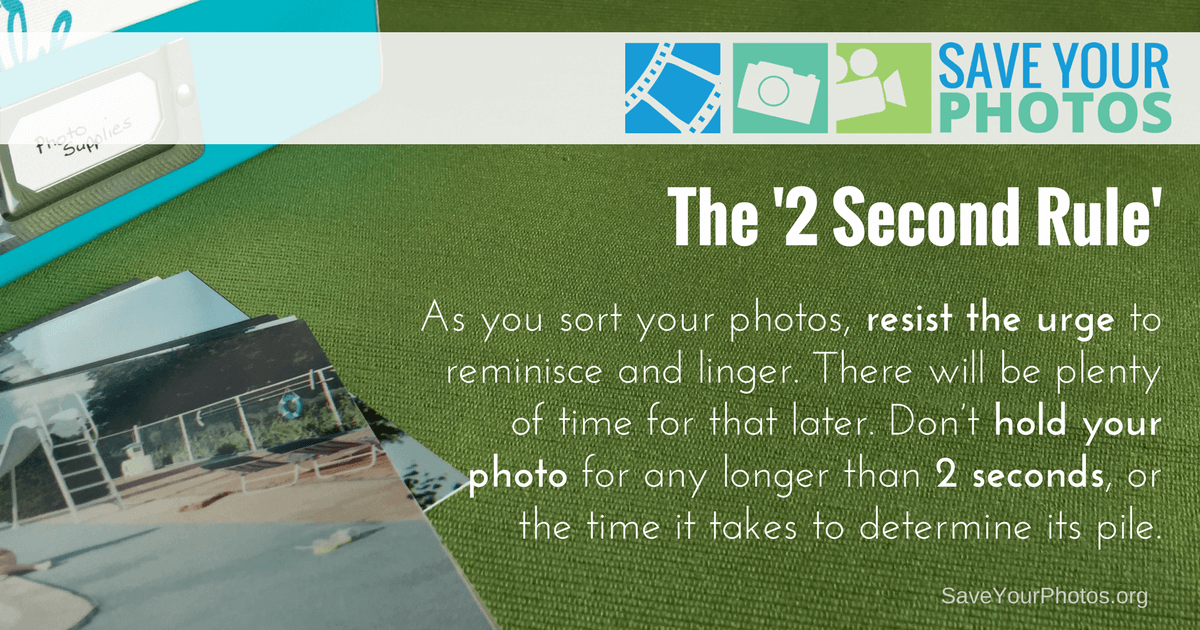
As you sort your photos, resist the urge to reminisce and linger. There will be plenty of time for that later. Instead follow the 2 Second Rule. Don’t hold your photo for any longer than 2 seconds, or the time it takes to determine its pile.

Save Your Photos: The 2 Second Rule & the ABCs | SaveYourPhotos.org

Do you remember when we took our film to be developed at the local photo lab or grocery store? We would drop our film off for one hour developing and get doubles or triples so we could give the extra to family or friends. Did you even make it out of the parking lot before you were flipping through the envelope for your ‘first look’ at these photos?

The problem with this ‘era of convenience’ was its contribution to excess and waste! Our good intentions produced boxes and boxes of printed photos that accumulated through the years, and we’re paying for it today.

Use the 2 second rule and the ABCs to quickly cull and sort your photos. Click To Tweet

The ABCs of Photo Organizing

Professional photo organizers use a simple method to help their clients sort their photos, using an easy to remember acronym – the ABCs. And use the 2 second rule to help you quickly toss the duplicates and sort the rest.

Save Your Photos: The 2 Second Rule & the ABCs | SaveYourPhotos.org

A is for Album

These pictures are the best of the best! The ones that belong in an album, and the memories that you would mourn about if you lost them. These are the photos that you’ll want to digitize, backup, share, and display. It doesn’t mean we’re going to put all these pictures into albums; it just means they are ‘album worthy.’


B is for Box

These photos are the extras that support your best. They are the ones you aren’t ready to part with but want to have access to at some point in the future. These photos will be archived for safekeeping but not necessarily digitized.


C is for Can

Yes, you CAN re-purpose these pictures or throw them in the trash can! Your collection is filled with doubles, triples and REALLY BAD photos. If your photo doesn’t fall into one of the above categories, then it’s a C photo. We encourage you to be brutal here and set a goal to fill a garbage can with these! Use the 2 second rule to make quick decisions about your C photos.


S is for Story

Does the photo tell a story? These pictures play a significant role because there is something illustrative about the picture even though it may not be obvious. A picture of a single tree in the backyard may seem meaningless unless it’s the full grown sapling your Great Grandpa had planted before he passed away.


Does using the 2 second rule and the ABCs work for you?


Sign up today for more great photo organizing tips directly in your email box.

We also invite you to visit our sister blog The Photo Organizers for more tips and in-depth knowledge from some of the top photo organizing industry professionals. To find a photo organizer near you, visit the Association of Personal Photo Organizers.



Written by Andi Willis · Categorized: Photo Organization · Tagged: 2 second rule, abcs of photo organizing, how to organise print photos, how to organize print photos, print photos, printed photos

Nov 15 2017

Save Your Photos: Themes or Chronological Sorting For Print Photos

Save Your Photos: Themes or Chronological Sorting For Print Photos

If you already have some chronology in place, look for ways to build on that structure. If your photos are a ‘hot mess,’ try themes for easy sorting.


Save Your Photos: How To Sort? Themes or Chronological? | SaveYourPhotos.net

Sorting your printed pictures will be very different from the way you sorted your digital images. Printed photos would lack dates and details unless you or your parents took the time to jot that information on the back of photos or in albums. Your timeline will come in handy as you begin to compare pictures and time periods for information and clues.


How To Sort Print Photos

Are you going to sort your pictures chronologically or in themes? Is there any structure to your collection that you can build on?

If you survey your photo collection, you likely took most of your photos in themes. You probably have birthdays, vacations, weddings, graduations, babies, sports and so on. Organizing by theme has many advantages:

  • Themes make it easier to pull together a photo album. Put an entire theme into one album like a vacation album, or take a handful of photos from each theme for a family yearbook.
  • Themes are easier to identify than dates. You may not be sure which year a Christmas photo was taken, but you’ll know it’s Christmas!
  • Themes translate into tags and keywords. Once digitized, themes make it easier to determine keywords or tags when you move them into your digital photo hub.

If your photos are a mess of disorganized prints with no structure, then we recommend a theme based approach.

If you already have some chronological organization in place then keep this intact and look for ways to build on that structure. You can still identify themes, and group photos based on your end goal.

With your structure in place, set up some index cards in sorting boxes or on a table and use these to group your photos as you sort. Jot down details on the index cards so they can be scanned in with your prints.

Need to organize your print #photos? Consider using themes or dates or a combination of both. #saveyourphotos Click To Tweet

A Few More Sorting Tips


Be gentle, wear gloves.

Your older photos may be delicate, and all your pictures are susceptible to further deterioration with residue from your fingertips. Wear your cotton gloves anytime you are handling your photos.

Set a timer.

This can be tiring work, so set a timer for 1-3 hours maximum and give yourself time between sorting sessions.


Sign up today for more great photo organizing tips directly in your email box.

We also invite you to visit our sister blog The Photo Organizers for more tips and in-depth knowledge from some of the top photo organizing industry professionals. To find a photo organizer near you, visit the Association of Personal Photo Organizers.

Written by Andi Willis · Categorized: Photo Organization · Tagged: how to sort photos, print photos

Nov 01 2017

Save Your Photos: Prints, Home Movies and Keepsakes

Save Your Photos: Prints, Home Movies and Keepsakes

Consider these goals as you work with your printed photos, home movies, and other tangible keepsakes. Reduce the clutter, organize and identify, digitize and backup and create a photo-safe archive.

Save Your Photos: Prints, Home Movies and Keepsakes | SaveYourPhotos.com


Now that we’ve addressed your digital photos and videos, are you ready to tackle the rest of your memory collection?

Your other memory ‘assets’ are printed photos, photo albums, scrapbooks, slides, family artifacts, kids’ artwork, documents, home movies and any tangible item that contributes to your family story. We suggest you approach this next phase with four goals in mind.


Reduce the Clutter

Your boxes may be bulging with memories, but we know from experience that your collection is filled with stuff that can be tossed. Duplicate prints, memorabilia that has lost its significance, broken trophies and more. Let’s see if we can lose a few pounds in the sorting process!


Organize and Identify

Your memory collection will be easier to access, digitize and share when you create order and identify your most important photos, movies, and memorabilia.


Digitize and Backup

Your printed photos, home movies, treasures and memorabilia are just as vulnerable as your digital images that haven’t been backed up. Until you digitize your physical collection, these memories could be lost through fire, flood, natural disasters, human carelessness, natural decay and any unexpected tragedy.


Create a Safe Archive

Once you’ve identified the keepers in the collection and created digital copies, you’ll want to ensure that your originals are archived and stored in a photo-safe environment.

Save Your Photos: Prints, Home Movies and Keepsakes | SaveYourPhotos.com


Written by Andi Willis · Categorized: Photo Organization · Tagged: film, keepsakes, memorabilia, print photos, storage, video

Oct 25 2017

Save Your Photos: The 3-2-1 Backup Strategy

Save Your Photos: The 3-2-1 Backup Strategy

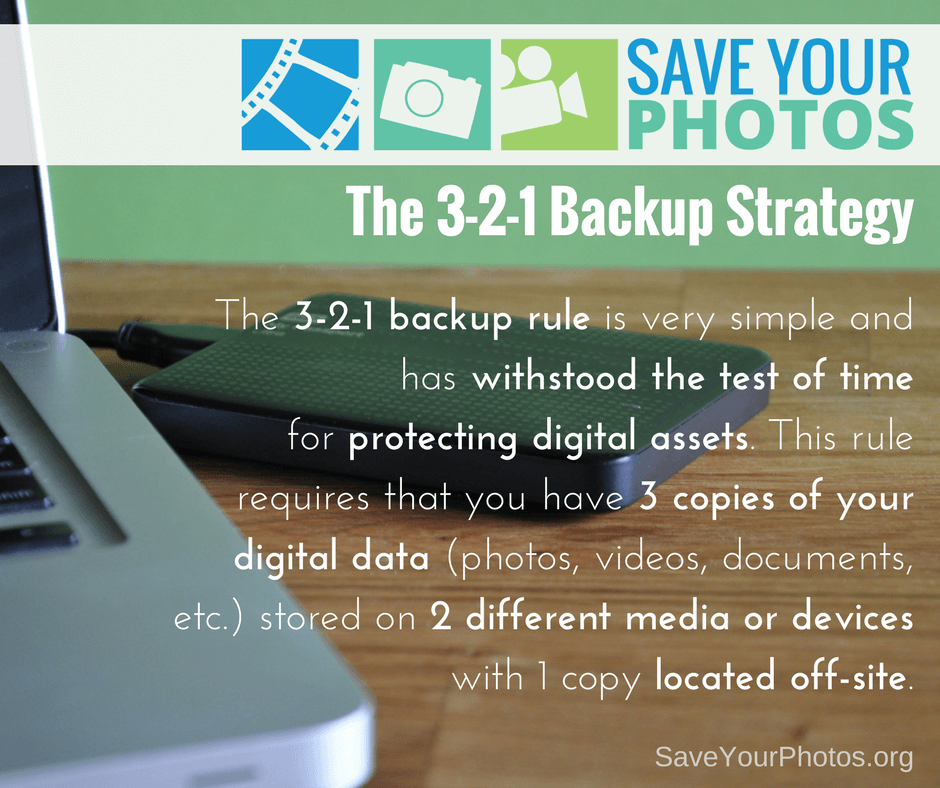
The 3-2-1 backup rule is very simple and has withstood the test of time for protecting digital assets. This rule requires that you have 3 copies of your digital data (photos, videos, documents, etc.) stored on 2 different media or devices with 1 copy located off-site.

Save Your Photos: 3-2-1 Backup Strategy | SaveYourPhotos.org


A Tried and True Backup Strategy

We live in a world of rapidly changing technologies that continually demand bigger, better and faster ways for storing and protecting your digital life. And while best practices for managing your digital assets evolve quickly, this has not been true for the 3-2-1 backup strategy which has withstood the test of time.

For years, organizations, businesses, and individuals have been using this method as a reliable strategy for backing up their digital files, and professional photographers use this method for protecting their large photo collections.


Back Up Your Digital Assets


Let’s break it down. We’re going to talk specifically about backing up your memory collection (your digital photo hub), but this strategy applies to all your digital assets.


Three copies of your digital photo hub

If you have your originals plus 2 more copies, for a total of 3 copies, you reduce the odds of losing your data significantly. You are creating a system with triple redundancies.


Stored on 2 different media or devices

When you store your originals on one device and a copy on a second device or media, that means you have immediate access to a backup if one of those devices fails. When your computer crashes or your EHD fails (and they will) your files can be restored from the other device. Storing these devices locally means you have full control and access at all times.


Store 1 copy off-site

The third copy of your hub should be stored in a different location from your other 2 copies. If all 3 copies of your hub are located in your home, your precious memories are at risk if something unforeseen should happen to your home. Natural disasters, fires, floods, and theft are unexpected tragedies that can happen to anyone. We recommend a cloud-based backup or storage solution for your 3rd location. If the cloud isn’t an option, your third copy can be stored on another device, or optical discs (archival gold DVD’s) and stored in a different location as far away from your home as possible.


Save Your Photos: 3-2-1 Backup Strategy | SaveYourPhotos.org

Automate Your 3-2-1 Backup Strategy


“Backups that rely on humans, never get done.” – Ben, the Newtown Nerd


The more you automate your backup strategy, the better! There are plenty of cloud backups that run automatically in the background of your computer, and your OS has auto-backups that you can configure with your EHD.

If you already have a 3-2-1 backup strategy in place, give yourself a pat on the back. The 3-2-1 backup rule is the MOST important tip we can share.

Back them up!

Written by Andi Willis · Categorized: Backup · Tagged: backup solutions, digital backup, digital photo backup

  • « Previous Page
  • 1
  • 2
  • 3
  • 4
  • 5
  • …
  • 8
  • Next Page »

© Copyright 2017 Association of Personal Photo Organizers · All Rights Reserved · Privacy Policy