Save Your Photos

  • Home
  • Blog
  • Disaster Help
    • Disaster Resources
    • Hurricane Harvey Photo Recovery
    • Hurricane Irma Photo Recovery
  • Who We Are
    • Save Your Photos Group
    • The Photo Organizers Blog
    • Association of Personal Photo Organizers
  • Sponsors
    • How To Become A Corporate Sponsor

Feb 21 2018

Save Your Photos: Your Maintenance Plan

Save Your Photos: Your Maintenance Plan

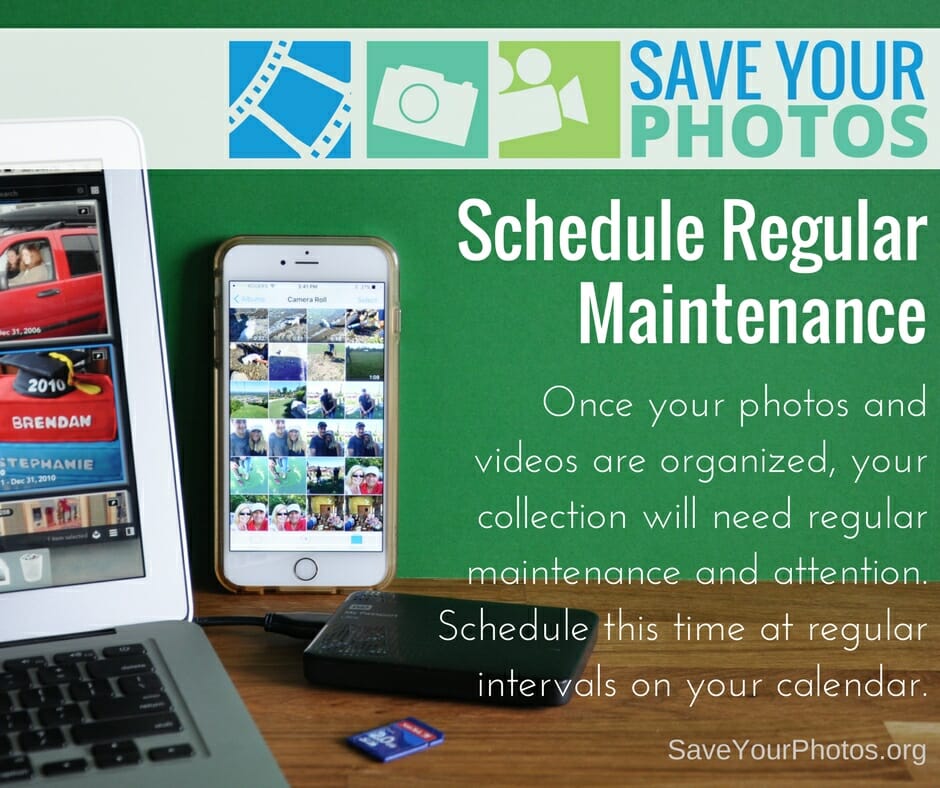
Once your photos and videos are organized, your collection will need a regular maintenance plan. Schedule this time at regular intervals on your calendar.
Save Your Photos: Your Maintenance Plan | SaveYourPhotos.org

We’ve come to the end of our blog series on saving your photos. We are leaving you with this final tip as you continue on the journey to organize and save your photos.


Schedule a Regular Maintenance Plan

You will continue to take photos; life will get busy, and chances are you’ll forget about the important task of managing your collection if you don’t take steps to prevent that now.


Create a Routine

Routines help form healthy habits. Choose a time each week or after each event, to gather photos from your memory cards and smartphones, into your ‘to be organized’ folder in your photo hub. Don’t wait until your camera roll or memory card is full!

 

Save Your Photos: Your Maintenance Plan | SaveYourPhotos.org

Schedule It

Choose a regular time each month to sort your ‘to be organized’ folder and then move those images into the folder structure in your hub. Flag or rate your favorite photos from that month to have printed or placed into an album. Check to make sure your backup systems are working or perform a manual backup. Add this important task to your calendar so you don’t forget!


Spring ahead, Fall forward

When it’s time to change your clocks, it’s time to run a diagnostic on your backup systems and external hard drives. Most EHDs come with a utility that allows you to run a performance scan.

Happy organizing!

Tell us what you are doing to save your photos.


Sign up today for more great photo organizing tips directly in your email box.

We also invite you to visit our sister blog The Photo Organizers for more tips and in-depth knowledge from some of the top photo organizing industry professionals. To find a photo organizer near you, visit the Association of Personal Photo Organizers.

 

Written by Andi Willis · Categorized: Photo Organization · Tagged: backup, ehd, external hard drive, maintenance

Feb 07 2018

Save Your Photos: Create Family Archives

Save Your Photos: Create Family Archives

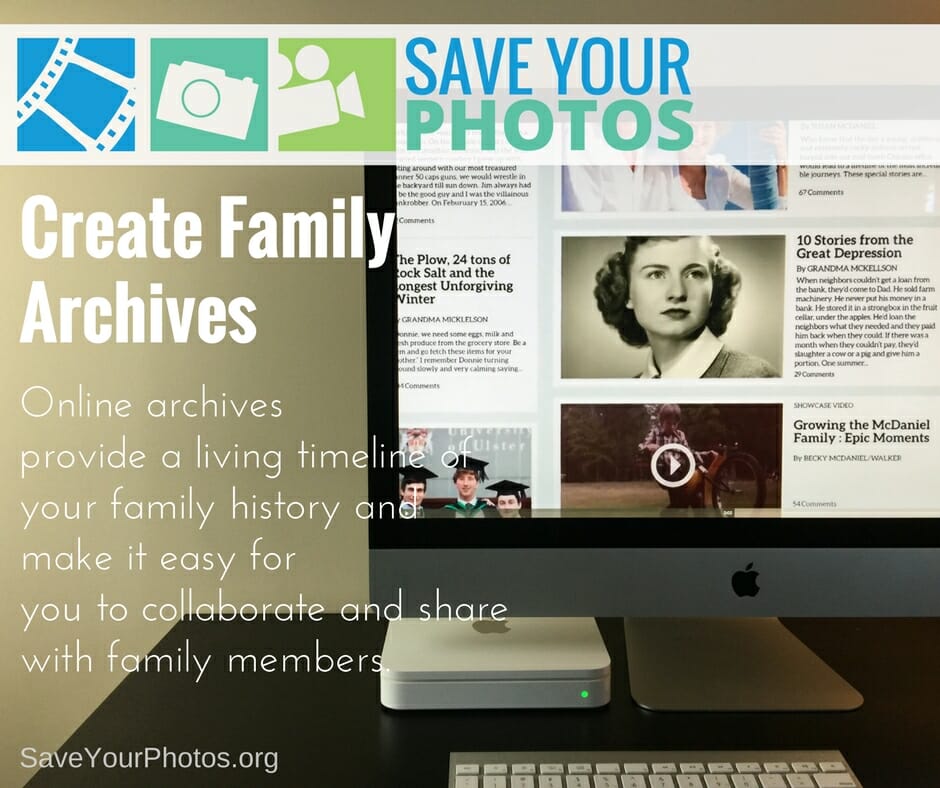
Online family archives provide a living timeline of your family history and make it easy for you to collaborate and share with family members.

Create Family Archives | SaveYourPhotos.org

The way we share photos and tell our story has changed significantly in the last 20 years thanks to technology, the internet, and social media.

We can use social platforms like Facebook or Instagram to share photos and stories. We can dig into the past through sites like Ancestry.com and we can store, organize and share large collections of images through sites like Flickr.

This type of social sharing has its downside too. Privacy, security and the preservation of your online photos is a growing concern as we hurl towards a digital future. So what’s the answer?

Create a Private Family Archive

Fortunately, some solutions offer a private, secure place to archive your images, videos, audios, and documents. Online family archives provide a living timeline of your family story and make it easy for you to collaborate and share with family members. When family members contribute photos and details, you begin to build a family archive that is rich in historical information.


Tips for Successful Family Archives

Be selective

A family archive is a carefully constructed online album, not a dumping ground for all your photos. Choose pictures and videos that best tell the story and leave the rest in your digital photo hub.


Be descriptive

Imagine future generations viewing your archive. Is there enough information in the photo descriptions? Have you mentioned full names (and maiden names) to help piece together your family tree? Have you told important family stories?


Involve others

You can’t remember everything! Engage as many family members as you can to help add family history to your narrative.


Create Family Archives | SaveYourPhotos.org

Make good choices

The internet is filled with free and paid for services so do your homework. An online archive can become a family heirloom that succeeds you so choose wisely. Here are a few things to look for:

  • Is the archive easy to setup and manage? Is it user-friendly and does the provider offer tutorials or training?
  • Do you maintain ownership over your image? Read the fine print!
  • Do you have complete control over your image privacy settings and are they easy to understand?
  • Does the provider protect your privacy regarding your personal info? FREE services mine your data for advertising purposes and share your information with third party services.
  • Does the provider keep your image metadata intact and in its original size? Some services compress your image and strip your metadata upon upload.
  • Does your provider have any space limitations? Some services have a cap on how much space you have.
  • Does your provider make it easy for you to retrieve or download your photos if you choose to discontinue the service? Some services charge you a fee or have download restrictions.
  • Does the service offer keywording, ratings and a folder or album organizing feature and how is this information captured in the metadata? Some providers have very limited organizing options and don’t embed metadata in the image file upon download.
  • Does your online provider have backup redundancies in place and high-level security?
  • Does your provider offer a succession plan for your photos? If you pass away, will your family be able to access your account?

Telling your story is about so much more than posting photos and seeing how many likes you get. It’s more than a folder structure, neatly organized. Your complete family story shares your values, your beliefs, your contributions in the world around you and your hopes and dreams. It connects the past to the present and inspires future generations.


Sign up today for more great photo organizing tips directly in your email box.

We also invite you to visit our sister blog The Photo Organizers for more tips and in-depth knowledge from some of the top photo organizing industry professionals. To find a photo organizer near you, visit the Association of Personal Photo Organizers.



Written by Andi Willis · Categorized: Photo Organization · Tagged: family archive, family history, online archive

Dec 06 2017

Save Your Photos: Be a Detective

Save Your Photos: Be a Detective

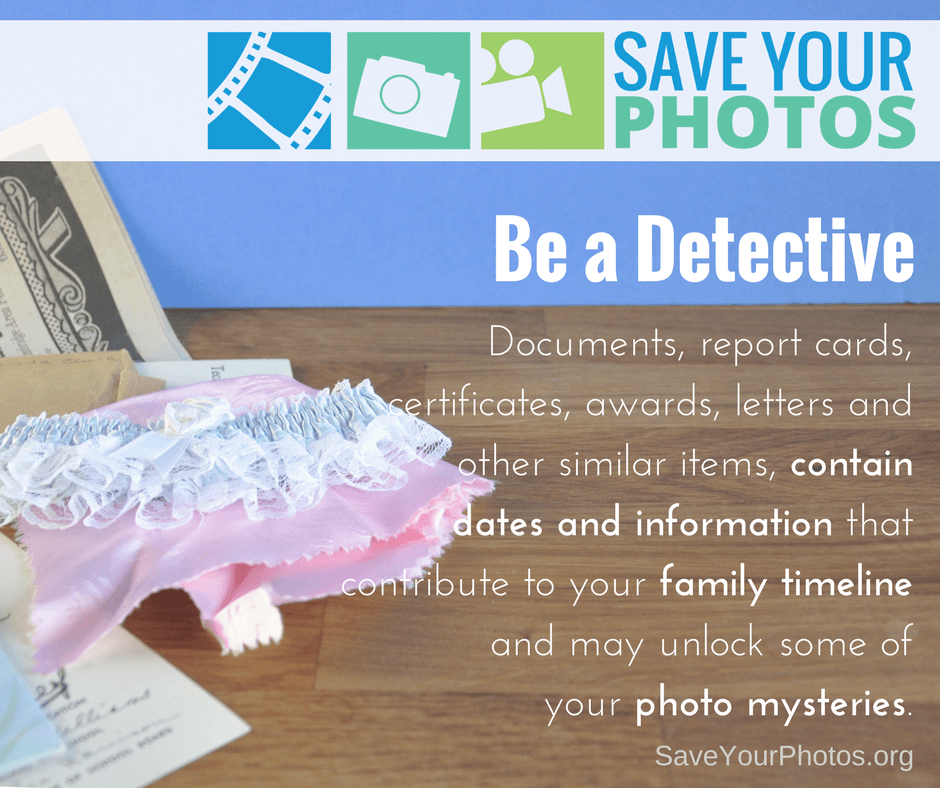
Documents, report cards, certificates, awards, trophies, newspaper articles, invitations, letters and other similar items contain dates and information that may contribute to your family timeline and unlock some of your photo mysteries. So be a detective.

Save Your Photos: Be A Detective | SaveYourPhotos.org

Not sure what to do with your growing collection of memorabilia and other keepsakes? These treasures play a significant role in your memory collection, and we encourage you to organize (and purge) these items as well.


Review for dates and details

Documents, report cards, certificates, awards, trophies, newspaper articles, invitations, letters and other similar items contain dates and information that may contribute to your family timeline. Transfer dates to your timeline.

Do any of these articles correspond with a photo in your digital or printed collection? Make a note (sticky note) with the image name that this memorabilia corresponds with so you can add this to the file name when scanning or digitizing.


Purge

Once you start reviewing your memorabilia, toss out anything that has lost its meaning or level of importance. Kids artwork is a challenge for most parents, and these beautiful treasures can clutter a collection very quickly.

Get into the habit of taking a photo of your child displaying their artwork as it comes into the house. Showcase their art for a period then scan and toss with the reassurance that you have digitized and cataloged accordingly. If you have a budding Picasso, then keep and store the very best pieces.


Digitize and backup


Divide your memorabilia into two categories for digitizing. Documents, report cards certificates, etc. can be scanned but bulky items will need to be photographed. Once you have a digital file, rename your files and add metadata using the same procedure as your photos, then store in your digital photo hub.

Save Your Photos: Be A Detective | SaveYourPhotos.org

Organize and store


Store documents flat, in archive envelopes or boxes designed specifically for document storage. Label envelopes and boxes with as much detail as possible in case your envelopes or boxes become separated from your photo collection. Or add a few duplicate images that correspond with your memorabilia (not your original prints), so you keep your timeline and photos connected.

Store protected media in a safe place away from light, humidity, and extreme temperatures.


Sign up today for more great photo organizing tips directly in your email box.

We also invite you to visit our sister blog The Photo Organizers for more tips and in-depth knowledge from some of the top photo organizing industry professionals. To find a photo organizer near you, visit the Association of Personal Photo Organizers.

 

Written by Andi Willis · Categorized: Photo Organization · Tagged: keepsakes, memorabilia

Nov 22 2017

Save Your Photos: The 2 Second Rule & the ABCs

Save Your Photos: The 2 Second Rule & the ABCs

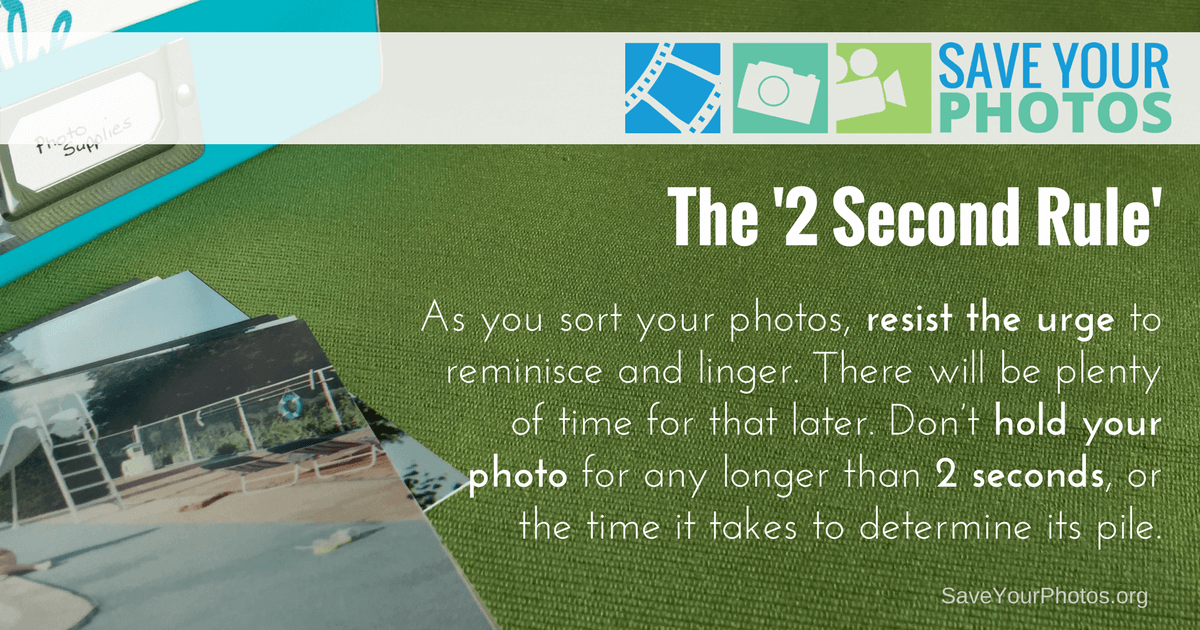
As you sort your photos, resist the urge to reminisce and linger. There will be plenty of time for that later. Instead follow the 2 Second Rule. Don’t hold your photo for any longer than 2 seconds, or the time it takes to determine its pile.

Save Your Photos: The 2 Second Rule & the ABCs | SaveYourPhotos.org

Do you remember when we took our film to be developed at the local photo lab or grocery store? We would drop our film off for one hour developing and get doubles or triples so we could give the extra to family or friends. Did you even make it out of the parking lot before you were flipping through the envelope for your ‘first look’ at these photos?

The problem with this ‘era of convenience’ was its contribution to excess and waste! Our good intentions produced boxes and boxes of printed photos that accumulated through the years, and we’re paying for it today.

Use the 2 second rule and the ABCs to quickly cull and sort your photos. Click To Tweet

The ABCs of Photo Organizing

Professional photo organizers use a simple method to help their clients sort their photos, using an easy to remember acronym – the ABCs. And use the 2 second rule to help you quickly toss the duplicates and sort the rest.

Save Your Photos: The 2 Second Rule & the ABCs | SaveYourPhotos.org

A is for Album

These pictures are the best of the best! The ones that belong in an album, and the memories that you would mourn about if you lost them. These are the photos that you’ll want to digitize, backup, share, and display. It doesn’t mean we’re going to put all these pictures into albums; it just means they are ‘album worthy.’


B is for Box

These photos are the extras that support your best. They are the ones you aren’t ready to part with but want to have access to at some point in the future. These photos will be archived for safekeeping but not necessarily digitized.


C is for Can

Yes, you CAN re-purpose these pictures or throw them in the trash can! Your collection is filled with doubles, triples and REALLY BAD photos. If your photo doesn’t fall into one of the above categories, then it’s a C photo. We encourage you to be brutal here and set a goal to fill a garbage can with these! Use the 2 second rule to make quick decisions about your C photos.


S is for Story

Does the photo tell a story? These pictures play a significant role because there is something illustrative about the picture even though it may not be obvious. A picture of a single tree in the backyard may seem meaningless unless it’s the full grown sapling your Great Grandpa had planted before he passed away.


Does using the 2 second rule and the ABCs work for you?


Sign up today for more great photo organizing tips directly in your email box.

We also invite you to visit our sister blog The Photo Organizers for more tips and in-depth knowledge from some of the top photo organizing industry professionals. To find a photo organizer near you, visit the Association of Personal Photo Organizers.


Written by Andi Willis · Categorized: Photo Organization · Tagged: 2 second rule, abcs of photo organizing, how to organise print photos, how to organize print photos, print photos, printed photos

Nov 15 2017

Save Your Photos: Themes or Chronological Sorting For Print Photos

Save Your Photos: Themes or Chronological Sorting For Print Photos

If you already have some chronology in place, look for ways to build on that structure. If your photos are a ‘hot mess,’ try themes for easy sorting.


Save Your Photos: How To Sort? Themes or Chronological? | SaveYourPhotos.net

Sorting your printed pictures will be very different from the way you sorted your digital images. Printed photos would lack dates and details unless you or your parents took the time to jot that information on the back of photos or in albums. Your timeline will come in handy as you begin to compare pictures and time periods for information and clues.


How To Sort Print Photos

Are you going to sort your pictures chronologically or in themes? Is there any structure to your collection that you can build on?

If you survey your photo collection, you likely took most of your photos in themes. You probably have birthdays, vacations, weddings, graduations, babies, sports and so on. Organizing by theme has many advantages:

  • Themes make it easier to pull together a photo album. Put an entire theme into one album like a vacation album, or take a handful of photos from each theme for a family yearbook.
  • Themes are easier to identify than dates. You may not be sure which year a Christmas photo was taken, but you’ll know it’s Christmas!
  • Themes translate into tags and keywords. Once digitized, themes make it easier to determine keywords or tags when you move them into your digital photo hub.

If your photos are a mess of disorganized prints with no structure, then we recommend a theme based approach.

If you already have some chronological organization in place then keep this intact and look for ways to build on that structure. You can still identify themes, and group photos based on your end goal.

With your structure in place, set up some index cards in sorting boxes or on a table and use these to group your photos as you sort. Jot down details on the index cards so they can be scanned in with your prints.

Need to organize your print #photos? Consider using themes or dates or a combination of both. #saveyourphotos Click To Tweet

A Few More Sorting Tips


Be gentle, wear gloves.

Your older photos may be delicate, and all your pictures are susceptible to further deterioration with residue from your fingertips. Wear your cotton gloves anytime you are handling your photos.

Set a timer.

This can be tiring work, so set a timer for 1-3 hours maximum and give yourself time between sorting sessions.


Sign up today for more great photo organizing tips directly in your email box.

We also invite you to visit our sister blog The Photo Organizers for more tips and in-depth knowledge from some of the top photo organizing industry professionals. To find a photo organizer near you, visit the Association of Personal Photo Organizers.

Written by Andi Willis · Categorized: Photo Organization · Tagged: how to sort photos, print photos

  • 1
  • 2
  • 3
  • …
  • 9
  • Next Page »

© Copyright 2017 Association of Personal Photo Organizers · All Rights Reserved · Privacy Policy