When it comes to organizing your digital photos, do you have a workflow? A what? Learn from Caroline Guntur of The Swedish Organizer, LLC.

In today’s fast-paced world, it’s easy to get behind on your to-dos, especially keeping up with your digital media. With so many photos coming at you every day from devices, email, and social media, it can be really overwhelming to stay organized, but we all know that neglecting your memories isn’t a good option. You cannot afford to lose your memories. They are too valuable! So how do you stay on top of everything?
You need to delegate.
Imagine, if you will, an elaborate system of rivers, all running to the same great lake. They are rapids and as such, hard to keep up with. If you try to stop them mid-stream, they’ll be hard to control, and may spill over. Now imagine that these streams aren’t actually real rivers, but your digital photo streams.
If you think about it, your digital photo streams are flowing just as quickly, and are just as hard to keep up with… The stats were released just this past month. An estimated 1.2 trillion photos will flood our devices this coming year, according to Mylio. How many photos will end up in your stream? You should know. You are responsible for curating them.
Instead of trying to stop each and every single stream, try redirecting them all to the same great lake, and back them up from there instead. Maybe this isn’t the most eloquent way of describing it, but it’s how I see my digital photo life. I’d rather deal with one spot over several different ones. So how can you achieve this streamlined workflow?
By using funnels.
In my opinion, the best backup strategies consolidate your digital rapids into one steady stream instead of dealing with them individually. Creating automatic backups is one component of this system because it allows you to re-direct your stream where you want them to go. All it takes is the willingness to set it up. It may sound like a lot of work, but just like organizing anything else, it actually ends up saving you a lot of time.
Here are some examples of ways you can simplify your life by automating your digital photo workflow:
Example #1: Redirect all new photos posted on your social media profiles to a cloud storage provider, like Dropbox or Google Drive.
Why not just grab them off your devices? Because the photos that post to your social media accounts aren’t just your own. Your friends and family members post to your account too, and I doubt you’ll want to borrow all of their devices on top of dealing with your own! If you think about it, Facebook itself is a funnel for all the important people in your life. Now take it one step further, and automate it by using an API service, like Zapier or IFTT.
Example #2: Import all the photos from all your devices at the same time, and to the same location.
Why at the same time? Because batching not only save you time, but it ensures that you don’t forget any of your devices. Now take it one step further, and automate it by auto-syncing your photos regularly using a program like Mylio, or to a cloud solution like Forever.
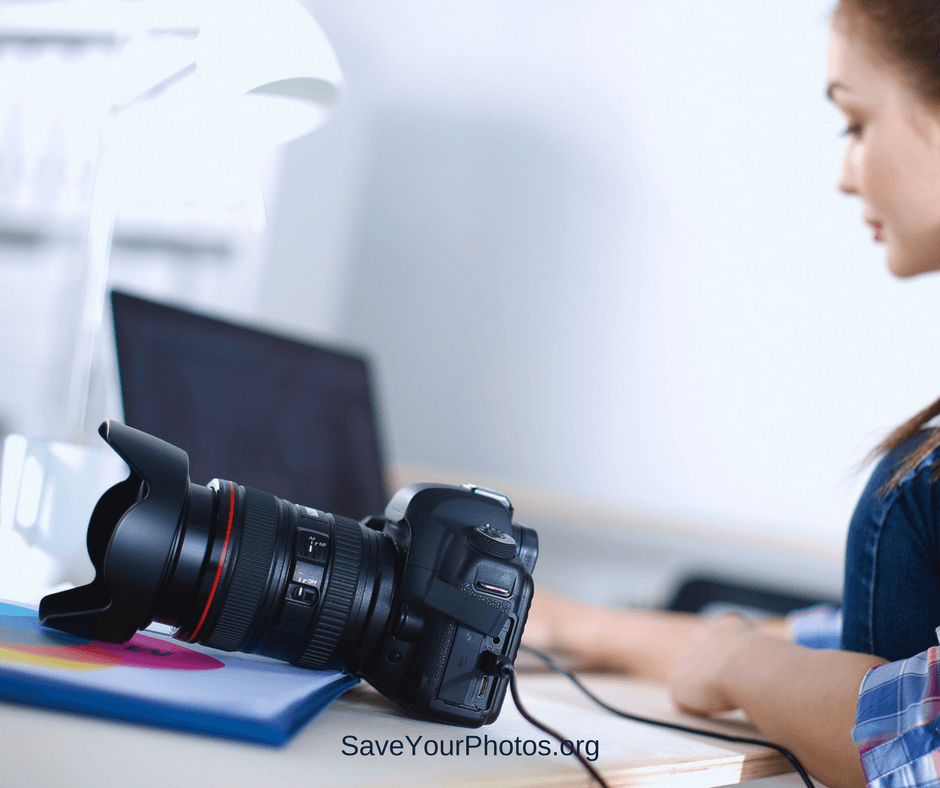
Example #3: Send the photos from your DSLR camera straight to your computer or cloud solution using a wireless SD card.
Remember the old days when you actually had to plug your SD card into your computer? Sure, that’s still a good way to do it, but why not bypass that step entirely? Most Professional Organizers will tell you that the less steps it takes to complete a task, the better, so I challenge you to take it one step further. Automate it with a wireless SD card, for example Eye-fi.
These are just some of the ways you can simplify your workflow by setting up automated rules. Depending on your comfort with technology, budget, likes, and dislikes, you have to find the right solutions for you, but don’t be afraid to think outside of the box. Automation is my best friend, and it can be yours too.

A native of Ystad, Sweden, Caroline Guntur now resides just outside of Chicago, IL, where she runs The Swedish Organizer, LLC, a company that provides customized family history solutions to clients around the world. As a Certified Photo Organizer, Personal Historian, and Professional Genealogist, she enjoys helping others preserve and protect their memories. Caroline runs the blog OrganizingPhotos.net, a site that discusses best practices in organizing, digitizing, and preserving family history, as well as SearchingScandinavia.com, a site dedicated to helping Scandinavian-Americans connect with their heritage. She is a member of APPO, NAPO, APH, APG, and NGS.

Please keep me on your mailing list