When you combine photos, videos, oral narratives and music into a video slideshow or montage, you create a living album filled with emotion and fun.
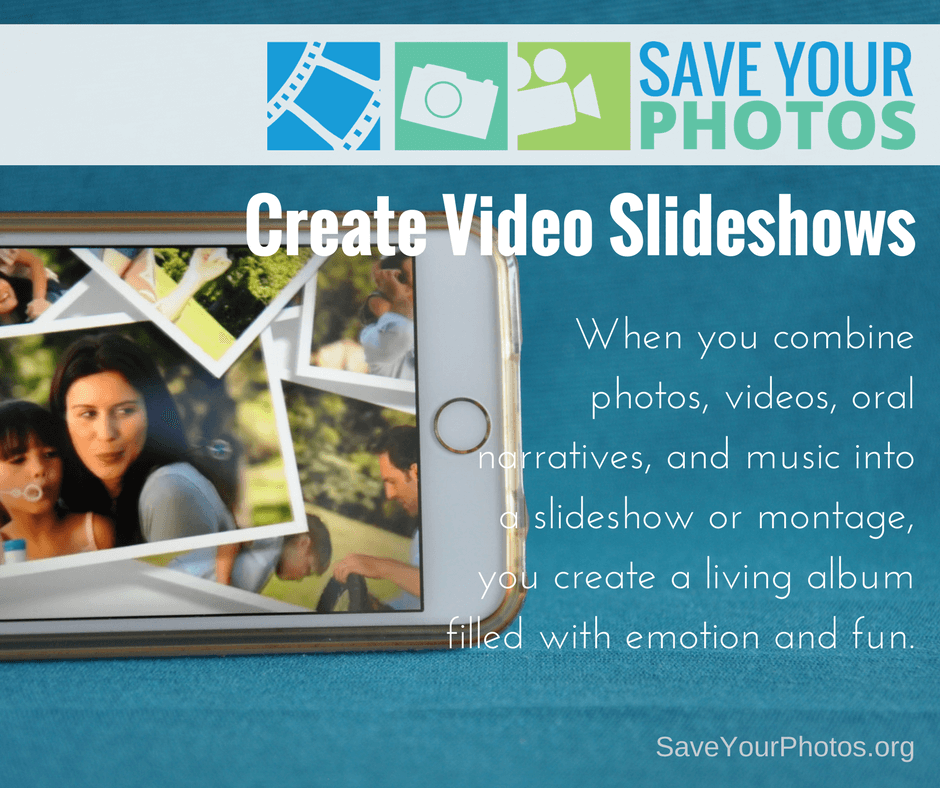
Video slideshows or montages are a fun way to bring photos and videos together to create a compelling and emotional story. When you add music or oral narratives or both, the result is a living album filled with movement and sound that triggers your senses.
Slideshows are a great option for family gatherings, special events, and celebrations. And they can be a fun option to enjoy on family movie night. Popcorn, PJ’s and precious family memories, can it get any better than that?
There are online solutions that make it easy for you to create slideshows by uploading photos and video clips. Some online services offer royalty free music and templates that make it simple for you to render a studio quality production in a few clicks. If you prefer a hands-on approach, iMovie (Mac) or MovieMaker (PC) may work for you, or you can invest in software solutions that come with more tools, effects, and support.

Tips for Video Slideshow Success
- The shorter, the better! Attention spans aren’t what they used to be, so keep your slideshow to less than 10 minutes or even shorter depending on the event.
- Use a combination of short videos clips (10-15 seconds long) and a variety of still photos to create movement.
- Keep the photos moving along at a quick pace. The difference between 10 seconds a photo and 5 seconds, is huge. Stick to 5 seconds per image or less depending on the music.
- Music can make or break your video! Music should match the tone and theme of your photos. Choose royalty free music especially if you plan to share your completed slideshow online.
- Add an oral narrative. Record Grandpa narrating the story of his mom and dad and layer this audio with the photos and background music. Please pass the kleenex!
- Don’t go crazy with transitions. Keep it straightforward and consistent for the best viewing pleasure. The Ken Burns effect is still a classic and dramatic way to view slideshows.
- Add your completed slideshow to your digital photo hub and back it up.
Pass the popcorn!
Sign up today for more great photo organizing tips directly in your email box.
We also invite you to visit our sister blog The Photo Organizers for more tips and in-depth knowledge from some of the top photo organizing industry professionals. To find a photo organizer near you, visit the Association of Personal Photo Organizers.


Hello, i feel that i saw you visited my site thus i came
to return the favor?.I’m attempting to to find issues to improve my website!I assume its ok to make use of some of your ideas!!