
Save Your Photos

  • Home
  • Blog
  • Disaster Help
    • Disaster Resources
    • Hurricane Harvey Photo Recovery
    • Hurricane Irma Photo Recovery
  • Who We Are
    • Save Your Photos Group
    • The Photo Organizers Blog
    • Association of Personal Photo Organizers
  • Sponsors
    • How To Become A Corporate Sponsor

Feb 21 2018

Save Your Photos: Your Maintenance Plan

Save Your Photos: Your Maintenance Plan

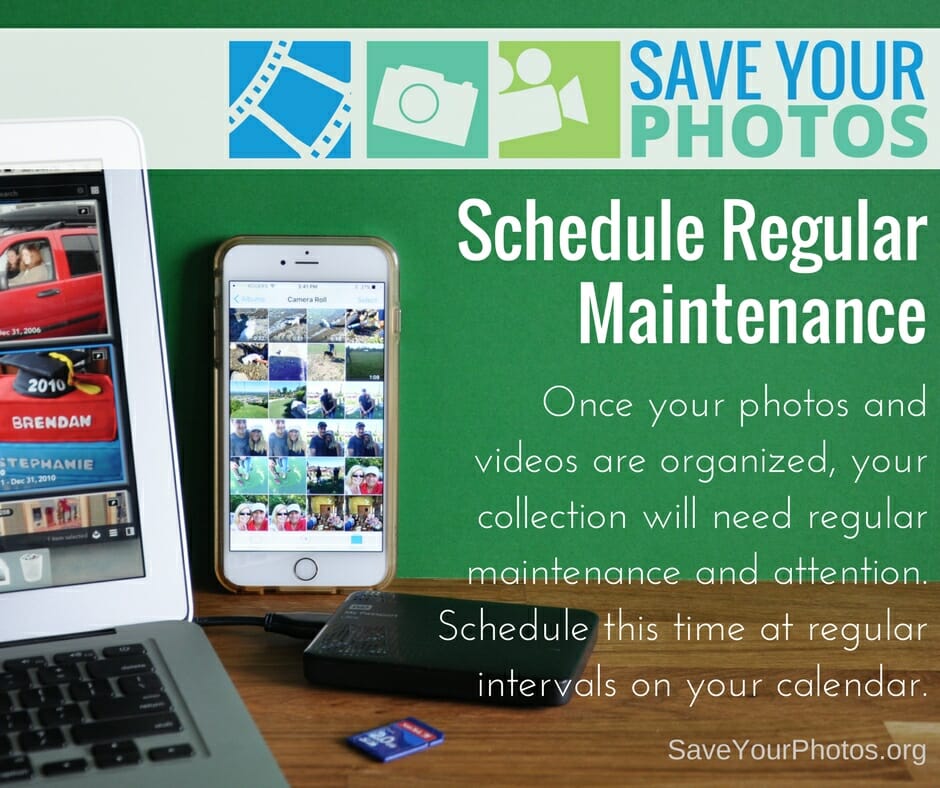
Once your photos and videos are organized, your collection will need a regular maintenance plan. Schedule this time at regular intervals on your calendar.
Save Your Photos: Your Maintenance Plan | SaveYourPhotos.org

We’ve come to the end of our blog series on saving your photos. We are leaving you with this final tip as you continue on the journey to organize and save your photos.


Schedule a Regular Maintenance Plan

You will continue to take photos; life will get busy, and chances are you’ll forget about the important task of managing your collection if you don’t take steps to prevent that now.


Create a Routine

Routines help form healthy habits. Choose a time each week or after each event, to gather photos from your memory cards and smartphones, into your ‘to be organized’ folder in your photo hub. Don’t wait until your camera roll or memory card is full!

 

Save Your Photos: Your Maintenance Plan | SaveYourPhotos.org

Schedule It

Choose a regular time each month to sort your ‘to be organized’ folder and then move those images into the folder structure in your hub. Flag or rate your favorite photos from that month to have printed or placed into an album. Check to make sure your backup systems are working or perform a manual backup. Add this important task to your calendar so you don’t forget!


Spring ahead, Fall forward

When it’s time to change your clocks, it’s time to run a diagnostic on your backup systems and external hard drives. Most EHDs come with a utility that allows you to run a performance scan.

Happy organizing!

Tell us what you are doing to save your photos.


Sign up today for more great photo organizing tips directly in your email box.

We also invite you to visit our sister blog The Photo Organizers for more tips and in-depth knowledge from some of the top photo organizing industry professionals. To find a photo organizer near you, visit the Association of Personal Photo Organizers.

 

Written by Andi Willis · Categorized: Photo Organization · Tagged: backup, ehd, external hard drive, maintenance

Sep 06 2017

We Have to Evacuate! How Do I Keep My Photos Safe?

We Have to Evacuate! How Do I Keep My Photos Safe?

If you’re looking at evacuating ahead of a storm, there isn’t time to scan your photo collection. You need to focus on ensuring the safety of your family and preparing your home as much as possible.

We Have to Evacuate! How Do I Keep My Photos Safe? | SaveYourPhotos.org


What To Do Before The Storm Hits

Here are some basic steps you can implement before the storm hits to give your photos the best possible chance of surviving the storm dry and intact.

Backup

Backup your computers and hard drives, including your photo collections. Keep a copy of your backup secure in the cloud. Bring your backup drive with you, and store another copy at a friend’s house that is out of the storm’s path.

We Have to Evacuate! How Do I Keep My Photos Safe? | SaveYourPhotos.org

Find Your Photos

Do a sweep through your basement, first floor, and garage. Do you have boxes or bins of memories stored there? Are your albums on a low bookshelf or coffee table? What about framed photos on walls or mantles? Gather them up so you can protect them. Children may be able to help with this step.

Protect Your Printed Photos

Wrap photos in double layers of plastic, sealed tight. This could mean zip-top bags or a plastic garbage bag sealed with duct tape. Smaller baggies secured inside a larger garbage bag is a good system. If any of your frames have sharp edges, pad them, so they don’t rip the bags. Don’t forget to LABEL THEM. As an added precaution, you can put the wrapped packages in a plastic bin.

We Have to Evacuate! How Do I Keep My Photos Safe? | SaveYourPhotos.org

Plastic bins may be water resistant but are not water tight. Floods can lift and carry heavy boxes, and can tip them over, so the water gets in.  Make sure everything in the bins is wrapped in plastic.

You can put a few desiccant packs (like the ones that come in shoe boxes) in the container, making sure the photos are wrapped up separately and protected from any chemicals.

Get To Higher Ground

Move the bins of wrapped up photos to the highest level of your home and choose an upper shelf of a bedroom closet or any closet on an upper floor. A closet will keep bins from floating around or tipping.


Above all stay safe, and we wish you all the best as you weather the storm and its aftermath. Visit saveyourphotos.org to learn what to do after the storm with any water damaged photos.


Kathy Rogers of Baltimore Photo SolutionsKathy Rogers loves photos and the stories behind them. Since 2012, as the founder and CEO of Baltimore Photo Solutions, she has been helping others to preserve their photos and share their legacies. She is a certified photo organizer and APPO member. 

Kathy’s first career was in health care. She brings lessons learned from her public health training into her photo books for families dealing with dementia and now, in blogging about disaster preparedness.
We Have to Evacuate! How Do I Keep My Photos Safe? | SaveYourPhotos.org

Written by Andi Willis · Categorized: Photo Storage, Safeguard · Tagged: backup, disaster preparation, emergency preparedness, how to keep my photos safe, how to store photos, hurricane, photo storage

© Copyright 2017 Association of Personal Photo Organizers · All Rights Reserved · Privacy Policy