Save Your Photos

  • Home
  • Blog
  • Disaster Help
    • Disaster Resources
    • Hurricane Harvey Photo Recovery
    • Hurricane Irma Photo Recovery
  • Who We Are
    • Save Your Photos Group
    • The Photo Organizers Blog
    • Association of Personal Photo Organizers
  • Sponsors
    • How To Become A Corporate Sponsor

Oct 25 2017

Save Your Photos: The 3-2-1 Backup Strategy

Save Your Photos: The 3-2-1 Backup Strategy

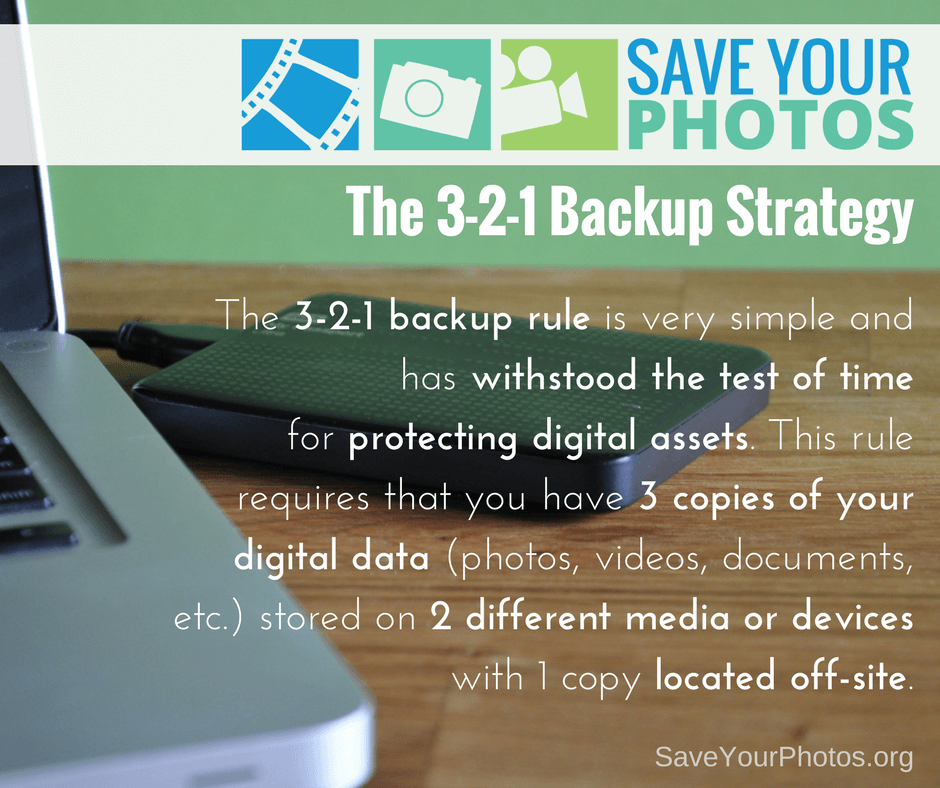
The 3-2-1 backup rule is very simple and has withstood the test of time for protecting digital assets. This rule requires that you have 3 copies of your digital data (photos, videos, documents, etc.) stored on 2 different media or devices with 1 copy located off-site.
Save Your Photos: 3-2-1 Backup Strategy | SaveYourPhotos.org


A Tried and True Backup Strategy

We live in a world of rapidly changing technologies that continually demand bigger, better and faster ways for storing and protecting your digital life. And while best practices for managing your digital assets evolve quickly, this has not been true for the 3-2-1 backup strategy which has withstood the test of time.

For years, organizations, businesses, and individuals have been using this method as a reliable strategy for backing up their digital files, and professional photographers use this method for protecting their large photo collections.


Back Up Your Digital Assets


Let’s break it down. We’re going to talk specifically about backing up your memory collection (your digital photo hub), but this strategy applies to all your digital assets.


Three copies of your digital photo hub

If you have your originals plus 2 more copies, for a total of 3 copies, you reduce the odds of losing your data significantly. You are creating a system with triple redundancies.


Stored on 2 different media or devices

When you store your originals on one device and a copy on a second device or media, that means you have immediate access to a backup if one of those devices fails. When your computer crashes or your EHD fails (and they will) your files can be restored from the other device. Storing these devices locally means you have full control and access at all times.


Store 1 copy off-site

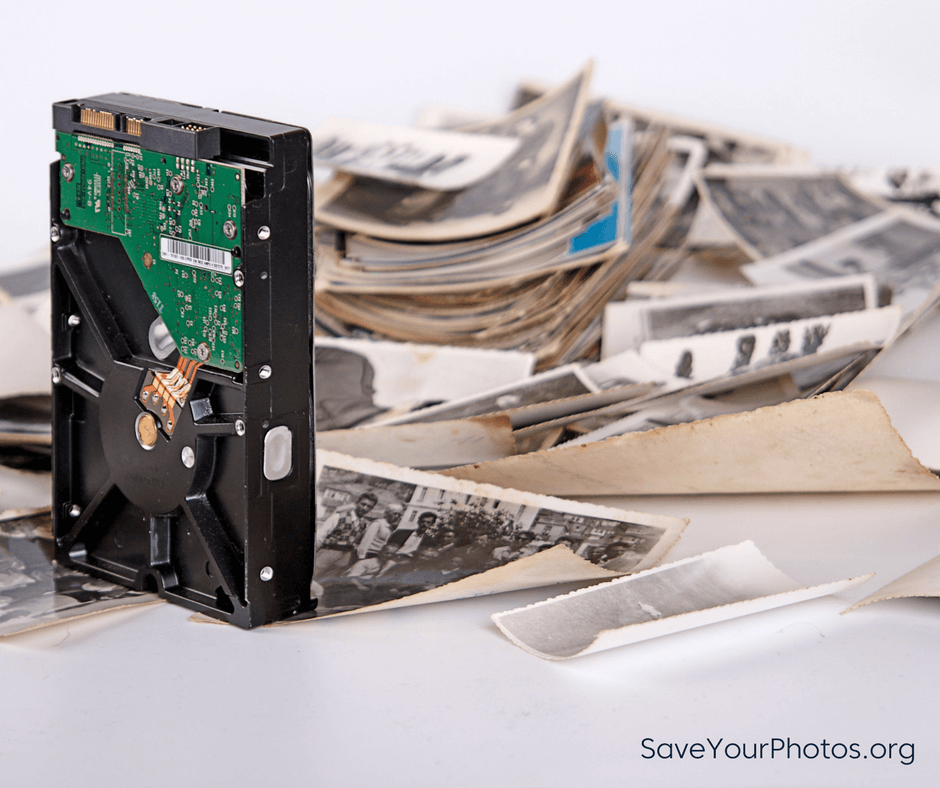
The third copy of your hub should be stored in a different location from your other 2 copies. If all 3 copies of your hub are located in your home, your precious memories are at risk if something unforeseen should happen to your home. Natural disasters, fires, floods, and theft are unexpected tragedies that can happen to anyone. We recommend a cloud-based backup or storage solution for your 3rd location. If the cloud isn’t an option, your third copy can be stored on another device, or optical discs (archival gold DVD’s) and stored in a different location as far away from your home as possible.
 

Save Your Photos: 3-2-1 Backup Strategy | SaveYourPhotos.org

Automate Your 3-2-1 Backup Strategy


“Backups that rely on humans, never get done.” – Ben, the Newtown Nerd


The more you automate your backup strategy, the better! There are plenty of cloud backups that run automatically in the background of your computer, and your OS has auto-backups that you can configure with your EHD.

If you already have a 3-2-1 backup strategy in place, give yourself a pat on the back. The 3-2-1 backup rule is the MOST important tip we can share.

Back them up!

Written by Andi Willis · Categorized: Backup · Tagged: backup solutions, digital backup, digital photo backup

Sep 15 2016

Save Your Film and Videos Too!

Save Your Film and Videos Too!

Don’t forget to preserver your family’s home movies and videos too, says Vanessa Boucher of EverPresent Online.

Save Your Film & Videos Too! | SaveYourPhotos.org

We  love reading through all the great advice on this blog and on the APPO blog about saving your photos.  However, we think video tapes deserve just as much attention. Oftentimes the footage captured on video is every bit as sentimental and important as that which is captured in photo form. Much of the advice about preserving and organizing photos is applicable to video as well, but there are a few nuances when dealing with film reels and video tapes.

Digitize Your Videos and Film Reels

It’s much easier to share digital videos with loved friends and family.

Your old home movies are filled with special moments (see a sample of one of our favorite, cherished videos here). From the laughter of a child, to footage of wedding vows, to someone’s first steps or first words captured on tape or film, videos can be just as special as old family photos or school portraits, and they merit just as much emphasis when it comes to preserving and sharing with loved ones.

little-something-to-share-screen-1

Old videos are much harder to share than photos because they require additional equipment. VCRs are breaking down and getting harder to find, camcorders require charging clunky batteries and hardly anyone has a film reel projector anymore. The best option for sharing home movies is to preserve them in a digital format that can be easily shared with friends and family.

Both videotapes and film reels can be digitized into files whose quality is equivalent to the original formats. Once digital, there are many cloud platforms that make it easy to share almost instantly once your videos are digital: Dropbox, Box, Google Drive, iCloud and Youtube are just some of the many options available.

Don't let your family videos fade away. Time to save them too! #saveyourphotos Click To Tweet

Consolidate and Backup Your Videos

Consolidate all of your digital videos in one place. Create a backup of your files for extra security.

Once all of your videos are digital, the best thing to do is get them all into one place, alongside your videos that were captured digitally. Typically there are a few different devices with that may have videos: computers, phones, tablets and cameras are a good place to start. Consolidating videos to a single place on a computer or external hard drive will make it easier to manage your video collection going forward. Organization of videos can be done much the same way as photos. Here is a great post about organizing printed photos . All of the information on sorting and prioritizing can be applied to your video collection as well.

Save Your Film & Videos Too! | SaveYourPhotos.org

Once you have everything in one place, and groomed to your liking, creating a high quality backup of the videos should be a priority. For best practices, keep a copy off-site, such as on a hard drive in a safety deposit box or uploaded to the cloud long term.

Proper Video Storage is Key

Nothing is wrong with keeping your old tapes and film reels, but make sure they are stored properly.

img_3187
This is an example of POORLY stored film reels. The reels have gotten rusty and the film itself is moldy.

Videotapes and film reels can carry sentimental value in a way that digital files can’t quite capture. Maybe there are special labels written on each tape by a relative or maybe you want to keep your dad’s film collection to pass along to your kids one day. Whatever the reason for hanging on to these original materials, it’s important to do so properly.

Storing your film reels and tapes somewhere cool and dry should be the biggest priority. Nothing will deteriorate these formats faster than water, which can cause mold and irreparable damage to both videotapes and film reels that will affect the quality of the playback image. Pack your family memories in watertight bins and make sure to pack them tightly. If the items are packed too loosely, they can shift around and the hard plastic video cartridges can crack or break. Keep in mind that even when stored properly, the years can take their toll on your videotapes and film reels. The best way to preserve them is to keep a digital copy alongside the originals.


Sign up today for more great photo organizing tips directly in your email box.

We also invite you to visit our sister blog The Photo Organizers for more tips and in-depth knowledge from some of the top photo organizing industry professionals. To find a photo organizer near you, visit the Association of Personal Photo Organizers.


vanessa
     

Vanessa Boucher has personally helped over 500 families share memories and history through unique projects as a consultant at EverPresent, the nation’s leading photo organizing company. A graphic/web designer and crafting enthusiast, Vanessa’s is one of the thought leaders behind EverPresent’s innovative website and blog, where she shares best practices and tips on topics ranging from digitizing irreplaceable memorabilia to creating stunning photo books.


Save Your Film & Videos Too! | SaveYourPhotos.org


Written by Jackie Lyals · Categorized: Videos · Tagged: digital backup, digitizing videos, family video, film storage, home videos, video storage, video tape

© Copyright 2017 Association of Personal Photo Organizers · All Rights Reserved · Privacy Policy