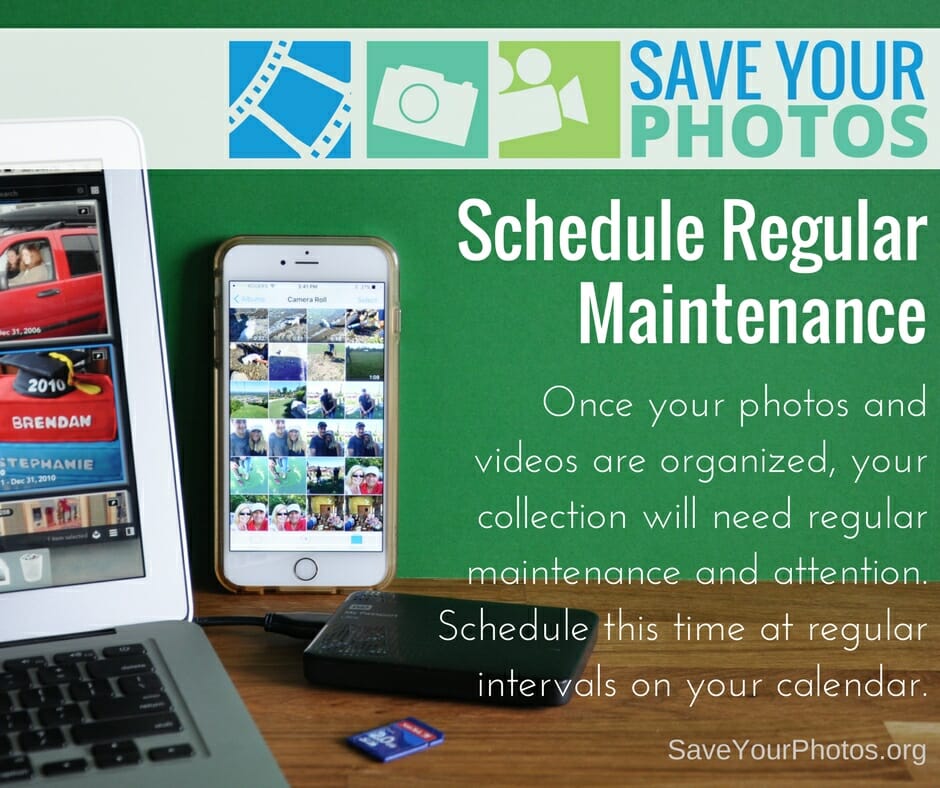
Once your photos and videos are organized, your collection will need a regular maintenance plan. Schedule this time at regular intervals on your calendar.
We’ve come to the end of our blog series on saving your photos. We are leaving you with this final tip as you continue on the journey to organize and save your photos.
Schedule a Regular Maintenance Plan
You will continue to take photos; life will get busy, and chances are you’ll forget about the important task of managing your collection if you don’t take steps to prevent that now.
Create a Routine
Routines help form healthy habits. Choose a time each week or after each event, to gather photos from your memory cards and smartphones, into your ‘to be organized’ folder in your photo hub. Don’t wait until your camera roll or memory card is full!
Schedule It
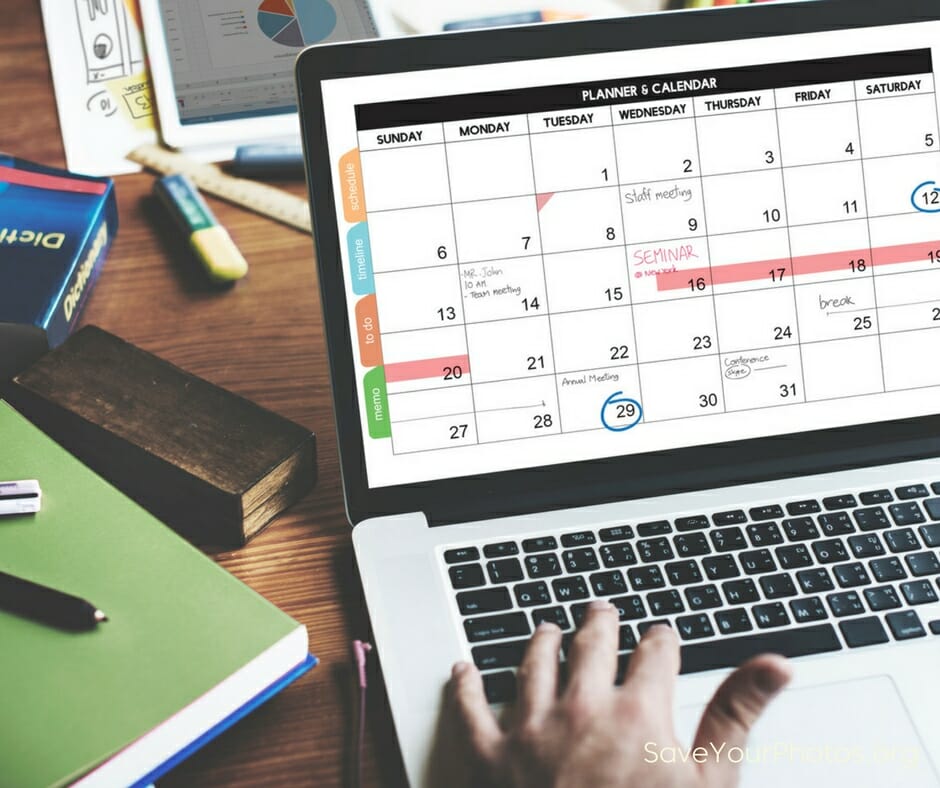
Choose a regular time each month to sort your ‘to be organized’ folder and then move those images into the folder structure in your hub. Flag or rate your favorite photos from that month to have printed or placed into an album. Check to make sure your backup systems are working or perform a manual backup. Add this important task to your calendar so you don’t forget!
Spring ahead, Fall forward
When it’s time to change your clocks, it’s time to run a diagnostic on your backup systems and external hard drives. Most EHDs come with a utility that allows you to run a performance scan.
Happy organizing!
Tell us what you are doing to save your photos.
Sign up today for more great photo organizing tips directly in your email box.
We also invite you to visit our sister blog The Photo Organizers for more tips and in-depth knowledge from some of the top photo organizing industry professionals. To find a photo organizer near you, visit the Association of Personal Photo Organizers.