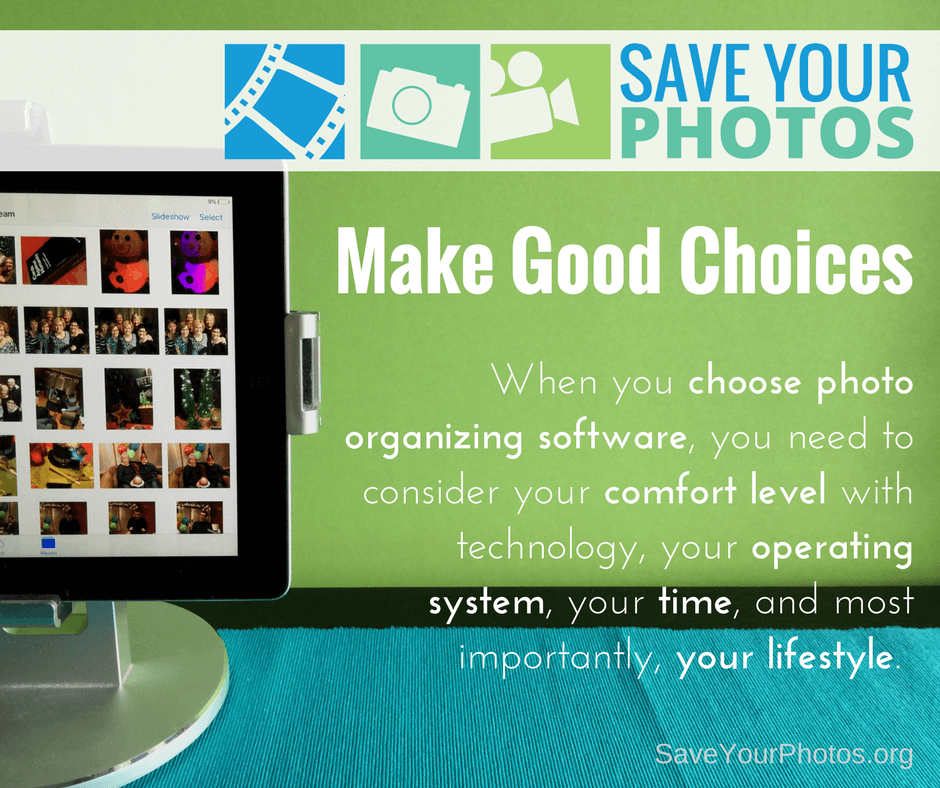
When choosing an online or desktop photo organizing software, look for providers that offer free trials. Run a test with a small group of photos so you can examine and compare before you commit.

Have you ever tried to google ‘photo organizing software’? The results can be overwhelming and at the very least, confusing. In addition to that, product changes continue to occur at such a rapid pace, it makes it that much harder for you to make decisions.
Now we going to equip you with information that will help you make the right choice for you and your memory collection, and ease some of the fears you may feel about moving forward.
Desktop Photo Organizing Software
A desktop photo organizer is an app or software that you download and install on your computer.
- Some programs work directly with your folder structure (the hub you created) and apply changes directly to the photos in your folders.
- Some programs work together with your folder structure and their internal database while applying changes to your photos.
- Some programs are proprietary and work with their internal database or catalog.
Your workflow will be easier if you choose a program that works with your folder structure. If you select a proprietary program, you would have the added step of importing your photos from your hub into the program. There is no right or wrong; it’s really about personal preference.
Here are some essential features you should expect from a desktop photo organizer:
- Is the program user-friendly and does the company provide training tutorials and good customer service?
- Does the program use non-destructive editing (does it retain your original image)?
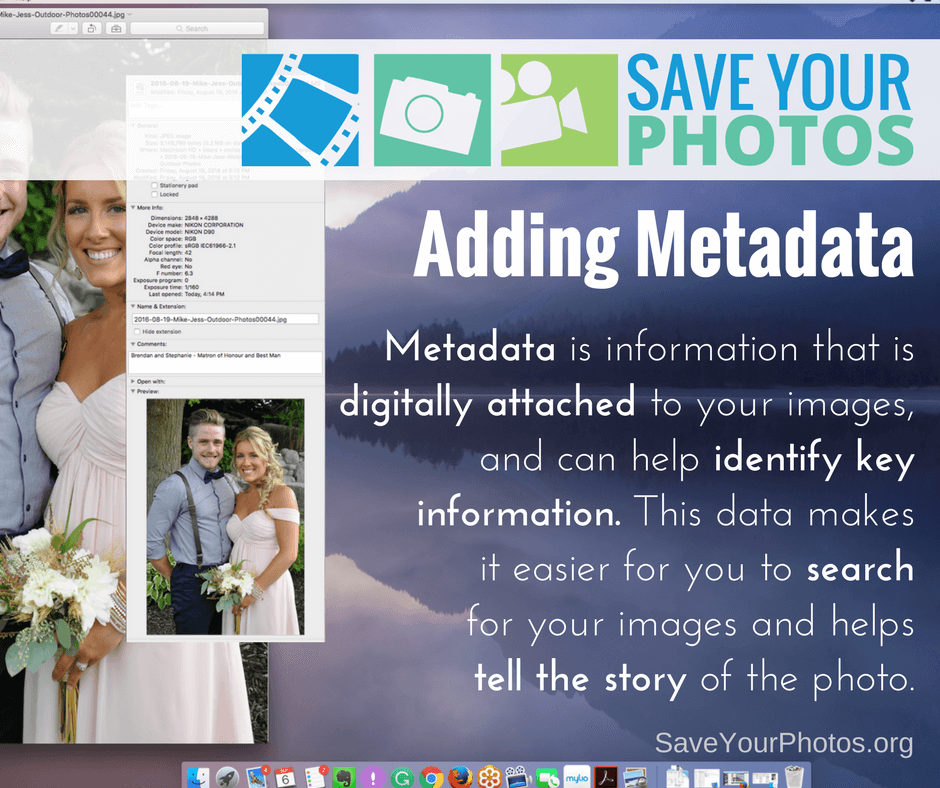
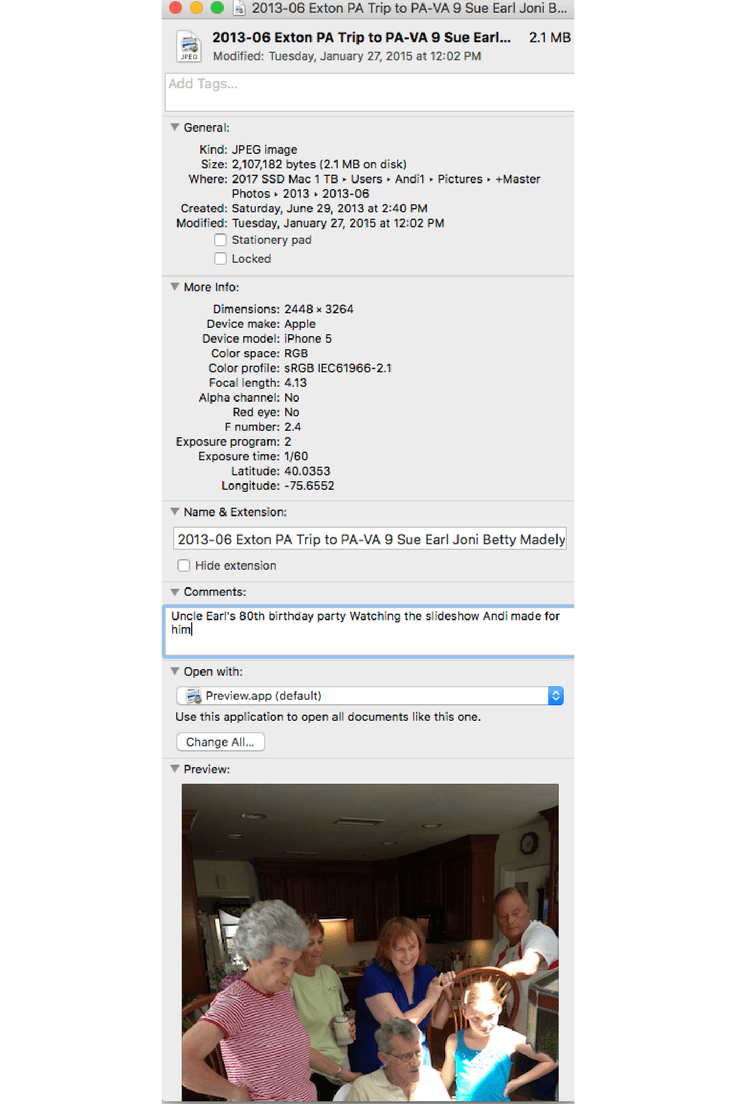
- Does the program adhere to IPTC standards for applying metadata to your images? Yes, there are industry standards that you can learn more about here.
- Does the program have key features such as keywording, a rating system, simple or advanced editing, captioning or storytelling options, smart albums, etc.?
- Does the program offer a pleasant viewing experience or slideshow options?
- Will your program organize video formats?
- Is it easy for you to export and share images from the program?
- Is your metadata intact once you export your image(s)?

Online Photo Organizing Software
An online photo organizer resides in the cloud, and you upload some or all of your photos from your hub.
In this scenario, you are sending a copy of your photos to your online provider and keeping your original images in your hub, which is stored locally on your computer or EHD. The distinct advantage of this option is you naturally, create a 2nd backup of your photo collection that is stored offsite (in a different location than your home computer or EHD). When we discuss backup strategies later, this becomes imperative.
In addition to some of the features we outline above, here are some features you should look for in an online photo organizer. Remember, when choosing an online provider to store and organize your precious photos, you are entrusting their safety to a company. Please do your research!
- Do you maintain ownership over your image? Read the fine print!
- Do you have complete control over your image privacy settings and are they easy to understand?
- Does your provider protect your privacy regarding your personal info? FREE services mine your data for advertising purposes and share your information with third party services.
- Does your provider keep your image metadata intact and in its original size? Some services compress your image and strip your metadata upon upload.
- Does your provider have any space limitations? Some services have a cap on how much space you have.
- Does your provider make it easy for you to retrieve or download your photos if you choose to discontinue the service? Some services charge you a fee or have download restrictions.
- Does the service offer keywording, ratings and a folder or album organizing feature and how is this information captured in the metadata? Some providers have very limited organizing options and don’t embed metadata in the image file upon download.
- Does your online provider have backup redundancies in place and high-level security?
- Does your provider offer a succession plan for your photos? If you pass away, will your family be able to access your account?
Sign up today for more great photo organizing tips directly in your email box.
We also invite you to visit our sister blog The Photo Organizers for more tips and in-depth knowledge from some of the top photo organizing industry professionals. To find a photo organizer near you, visit the Association of Personal Photo Organizers.